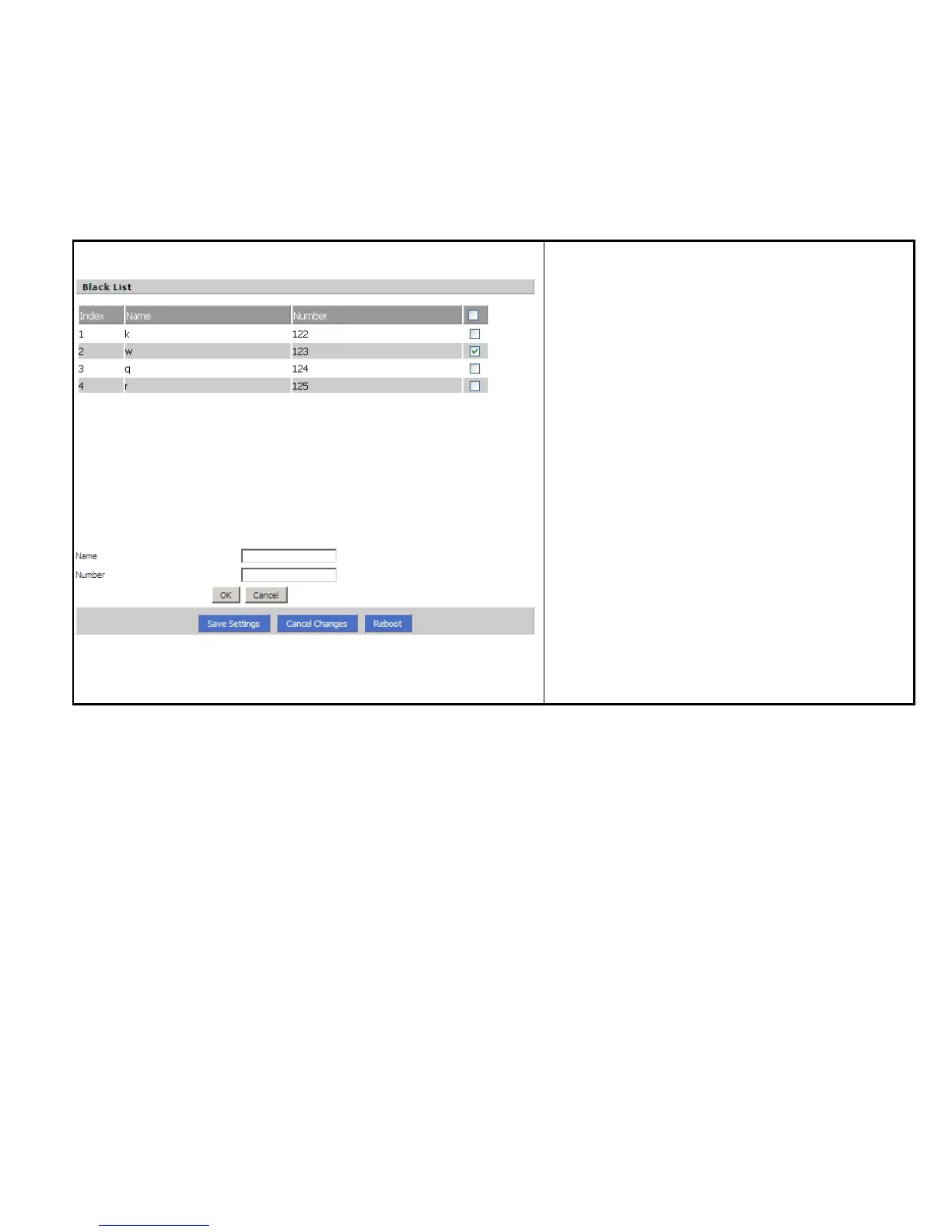
Steps :
Adding one Black List:
Step 1. Click Add button, then the configuration table like
Picture 1 will appear
Step 2. Fill in the value of parameters.
Step 3. Press OK button to end configuration.
Step 4. Press Save Settings button to save changes.
Editing one Black List:
Step 1. Choose one black list
Step 2. Click Edit button, and the configuration table like
Picture 2 will appear
Step 3. Change the value of parameters.
Step 4. Press OK button to end configuration.



 To Next Page