Loading postage – TELESET
25
Technical note: Please do not use telephones
connected to the same telephone socket during
postage loading if possible. Unnecessary charges
may be incurred when you lift and do not replace the
telephone handset during the loading process, as
the modem cannot terminate the charged
connection.
Start TELESET
Caution! The Optimail locks after 8 attempts to
confirm a false personal identification number (PIN).
Your Optimail can only be released for metering and
loading postage again by the after-sales service.
• Make sure the Optimail is connected to the
telephone socket.
• Switch on the Optimail as usual and wait until the
last set postage value appears in the display.
• Make sure the scales function is switched off. The
scales symbol must not show in the display.
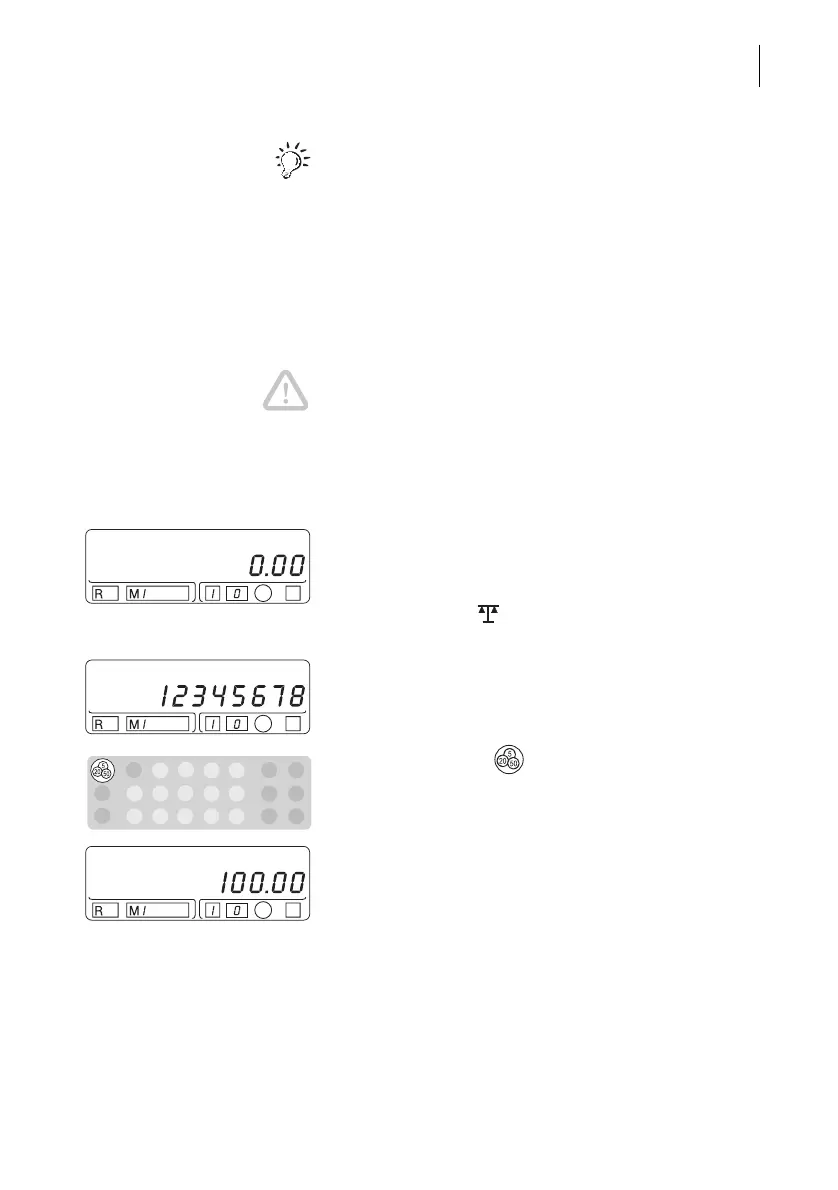
Enter your PIN
• Type the 8-digit personal identification number
(PIN) of your Optimail (“12345678” in the
example).
• Confirm with the key.
You are now in the TELESET mode. The amount
used for the last postage loading appears in the
display ($ 100 in the example).



 To Next Page