Optimail Operator Manual
26
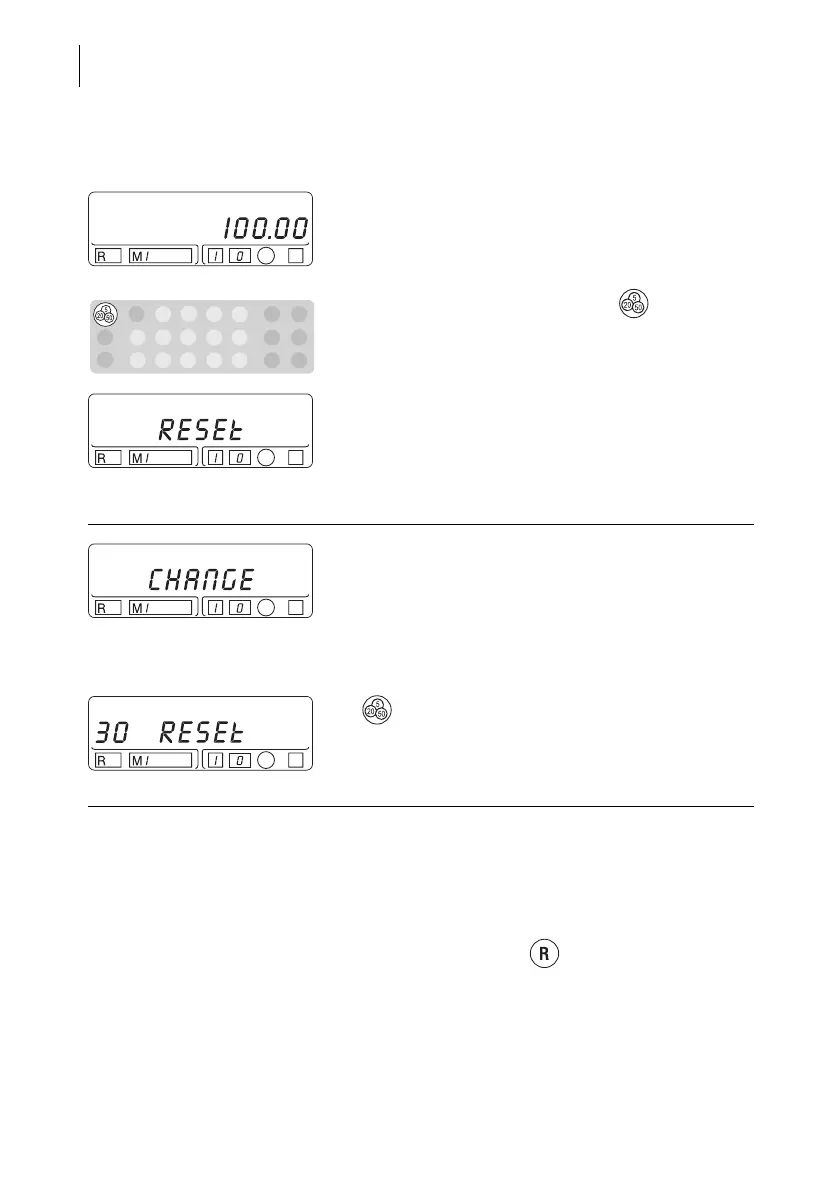
Enter amount and load postage …
Enter the desired amount
• Leave the amount as it is or overwrite with a new
value.
• Confirm the desired amount the key.
The loading process now continues running
automatically (establish connection, data
exchange…). During the loading process, the word
“Reset” and the amount being loaded will appear
alternately in the display.
If you have changed the amount the word “Change”
and the new preset amount will alternately appear in
the display.
When the display shows the countdown on the left
side:
Confirm the amount again
• To load the displayed amount, confirm with the
key within 30 seconds.
The countdown gives information on the remaining
time to confirm.
…completed successfully
The postage is loaded when an acoustic signal
sounds and the postage value appears in the
display.
• Check the new available postage (register R1).
To do this, press the key once.



 To Next Page