Optimail Operator Manual
48
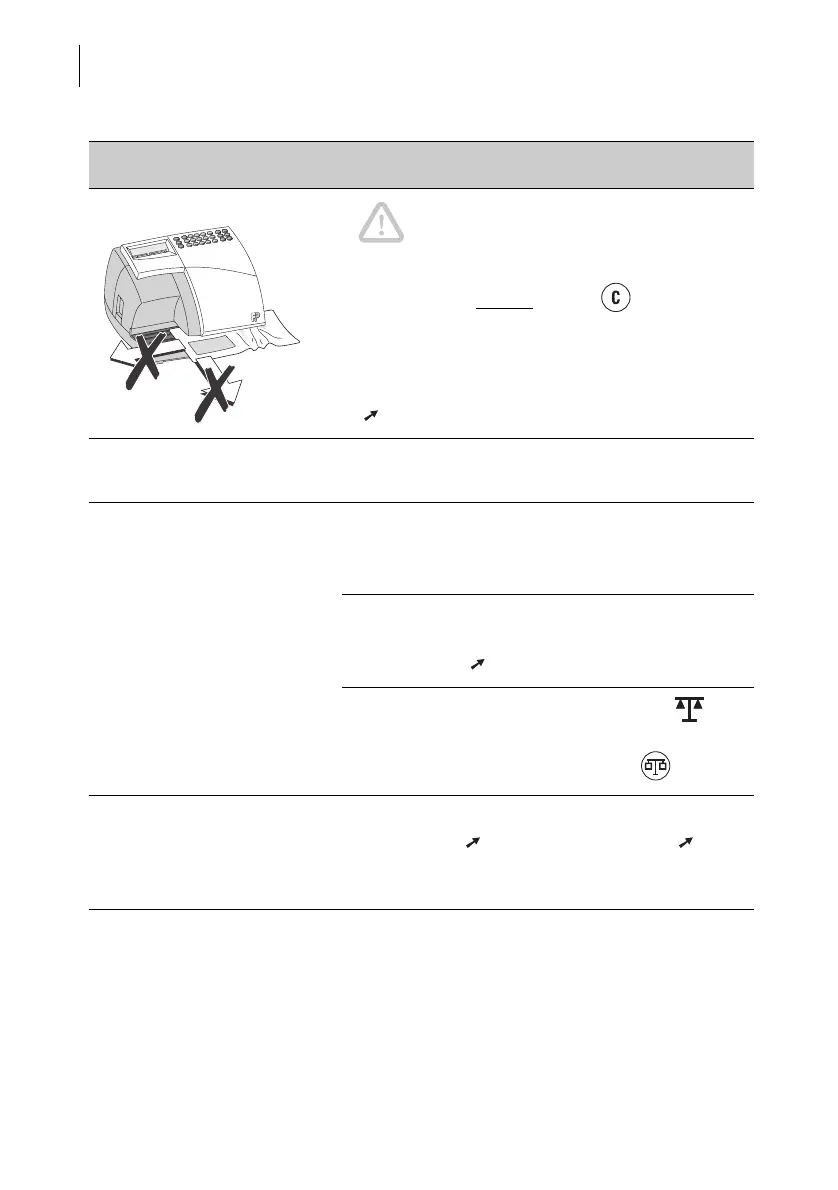
Letter jammed / mail jam. Caution! Jam! Do not remove the jammed
letter by force. The ribbon could tear.
Always clear a mail jam like this:
Press any key (except
the key !) or switch off.
The Optimail releases the letter. Remove the
letter.
Then check the ribbon cassette. Remove the rib-
bon cassette and tighten the ribbon if necessary
( Chapter 11.2).
Optimail blocked. Switch off the Optimail. Wait briefly and switch
back on.
Metering not possible. Account M0 is set. No metering can be performed
on account M0.
Set an account between M1 and M9.
No postage available (display: Limit End).
The set postage value cannot be metered. Load
new postage ( Chapter 7).
Scales function is switched on (display: ) but
no postage scale is connected.
Disable the scales function with the key.
Metering not possible.
Repeated ‘beeping’ and
flashing of the DATE symbol
when switching on.
Built-in clock stopped.
Set the date ( Chapter 8.1) and time ( 8.2).
If this does not work or if this problem occurs
repeatedly, please contact Service.
Problem Possible cause and remedy



 To Next Page