Getting Started 15
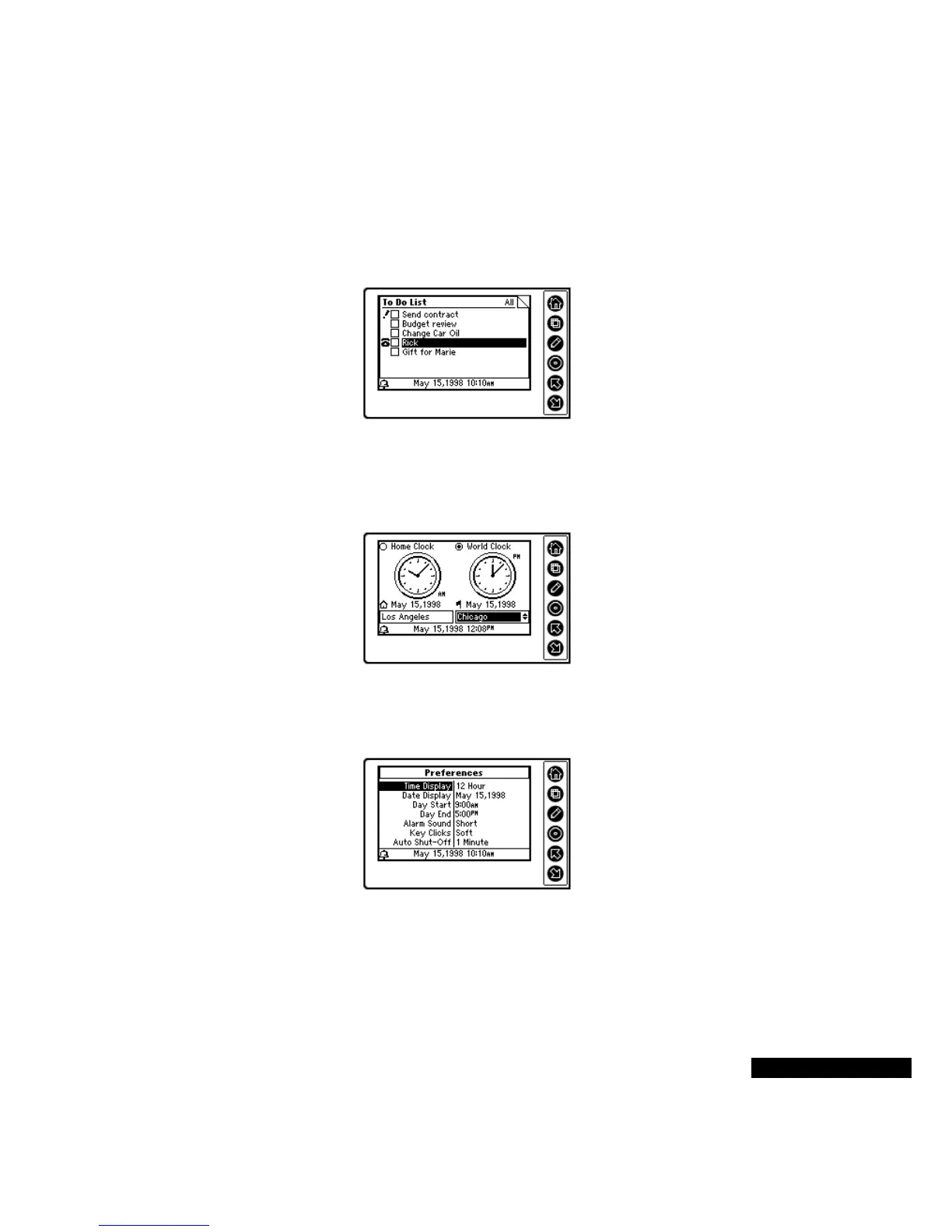
To Do
Use the To Do module to recall, modify, add to, or check off your To
Do List items. The two-way synchronization feature in TrueSync
Desktop lets you synchronize from your REX PRO card to your
desktop application, automatically updating your To Do lists.
Time Zones
Use the Time Zones module for staying on time when you are
traveling, keeping track of events in other parts of the world, and even
setting a daily alarm.
Preferences
Use the Preferences module to change options such as the key clicks,
date display format, and alarm sounds.
The To Do Index View
shows the status of
multiple To Do items.
The Time Zones
Dual-Clock View
means you can stay
on schedule, whether
you’re traveling or at
home.
The Preferences View
allows changes to the time
display format and other
customizable options.



 To Next Page