21
time period. Alarms do not sound when the REX PRO card is in
the Docking Station or PC card slot.
Using the
modules
Ready to start viewing and entering Calendar events? Anxious to
learn how to update your Contacts? Curious about how to create a
Memo? The next sections will answer those questions, and more.
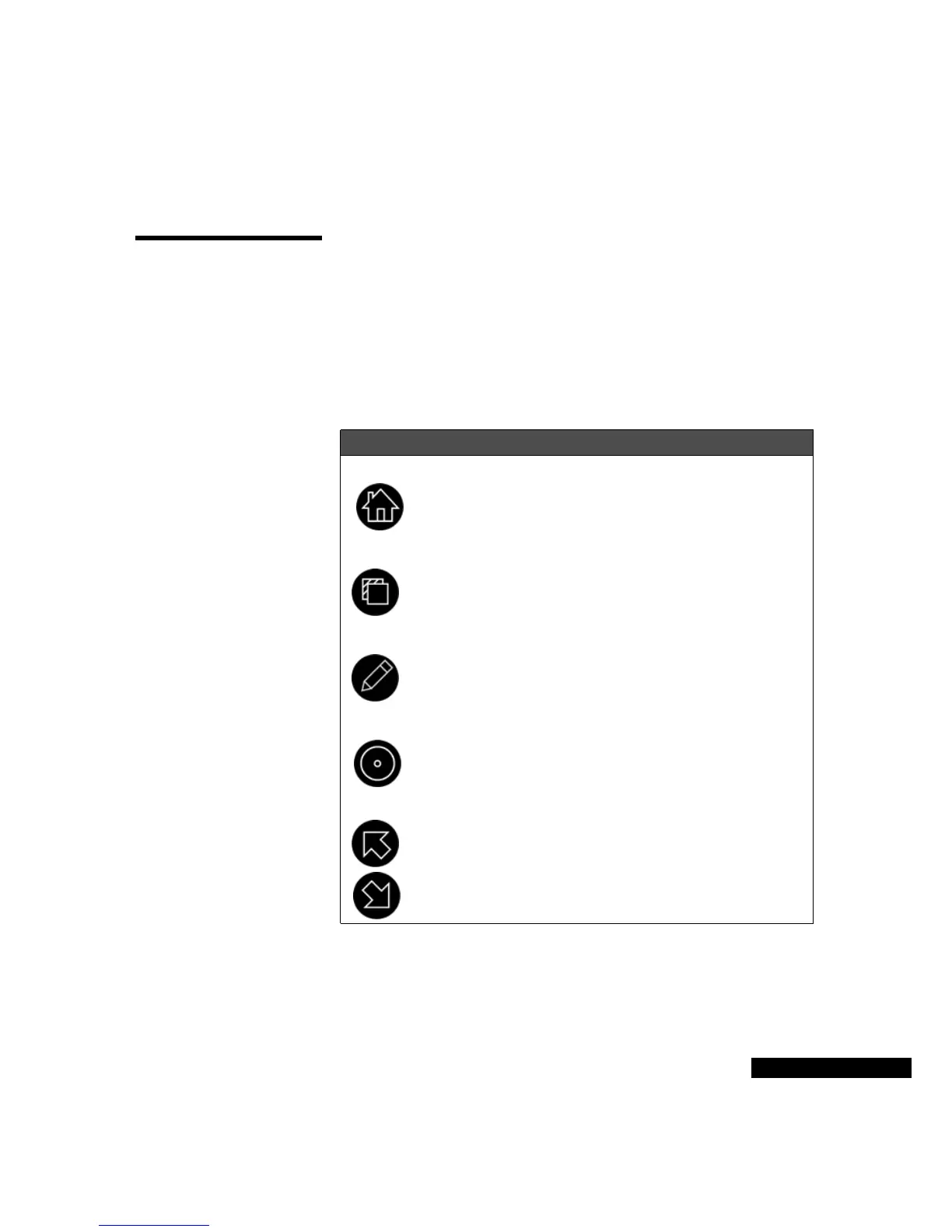
Key to the keys
You will be using the keys that were described in the Getting Started
chapter. If you need a refresher as you read the sections below, use
this table.
Home
Select the module that you want (for example, Contacts) in the Home
screen. You can also check the Local date and time and see the Owner
Information in the Home screen.
Icon Name Description
Home
Press the Home key to return to the Home
screen from any other screen.
View
Press the View key to see a menu of current
options.
Edit
Press the Edit key to move into and out of Edit
mode.
Select
Press the Select key to choose an option, just
like the Enter key on your computer.
Up/Left
Down/Right
Press the Up and Down keys to scroll or move
the highlight through a list or screen.



 To Next Page