Getting Started 13
Home
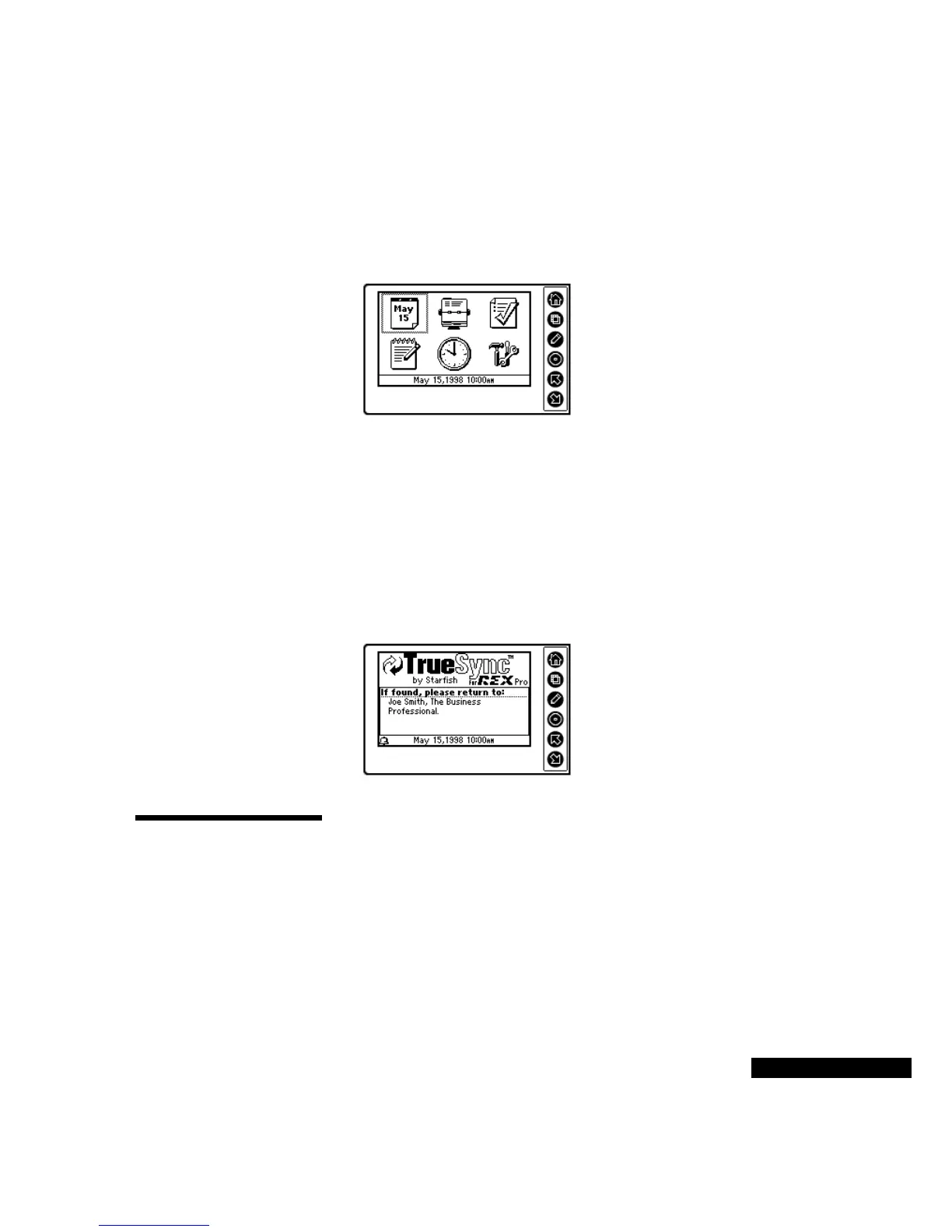
The Home screen shows the different modules in your REX PRO:
Calendar, Contacts, To Do List, Memos, Time Zones, and
Preferences. The time in the Status Bar reflects the active time. See
the Time Zones section below for details.
Use the Up and Down keys to highlight the module that you want,
and then press the Select key.
Press the View key at the Home screen to check the Owner
Information. The Owner Information will reflect the choices you
made in the Setup Wizard. You can change your identification
information in TrueSync Desktop for REX PRO. For details, see the
TrueSync Desktop for REX PRO User’s Guide. Press Home to return
to the Home screen.
Overview of the
REX PRO
modules
The REX PRO modules include Calendar, Contacts, To Do List,
Memos, Time Zones, and Preferences. These modules are described
below. For more details on each module, and information on how to
synchronize your REX PRO card with your desktop application, see
“Getting in Sync.”
Use the Home screen
to select the different
modules, or to change
or view your
preferences or time.
You can add your
address and phone
number in your REX
PRO card by entering
it in TrueSync
Desktop for REX
PRO, and then
synchronizing.



 To Next Page