Tips and Tricks 49
4
Chapt er 4
Tips and Tricks
Getting the most
from your REX
PRO card
This chapter offers techniques and tips for using your REX PRO card.
Be sure to check the REX Web site at www.franklin.com/rex for the
latest on REX news, and the Starfish Web Site at www.starfish.com
for the latest TrueSync details.
Choosing a
Contact’s main
phone number
In these high-tech days of cell phones and pagers, you probably have
at least one Contact who has several different telephone numbers.
REX PRO lets you choose which telephone number you want to
appear when you select that Contact.
To choose a main phone number for a Contact
1
Go to that Contact’s detailed screen.
2
Highlight the desired number, and then press the Edit key.
3
Highlight “Display This Number.”
4
Choose the desired number, and then press the Select key.
One-click access
to information
How often have you scrawled directions to an event, an interview, or
a friend’s new home on a post-it note — and then discovered that
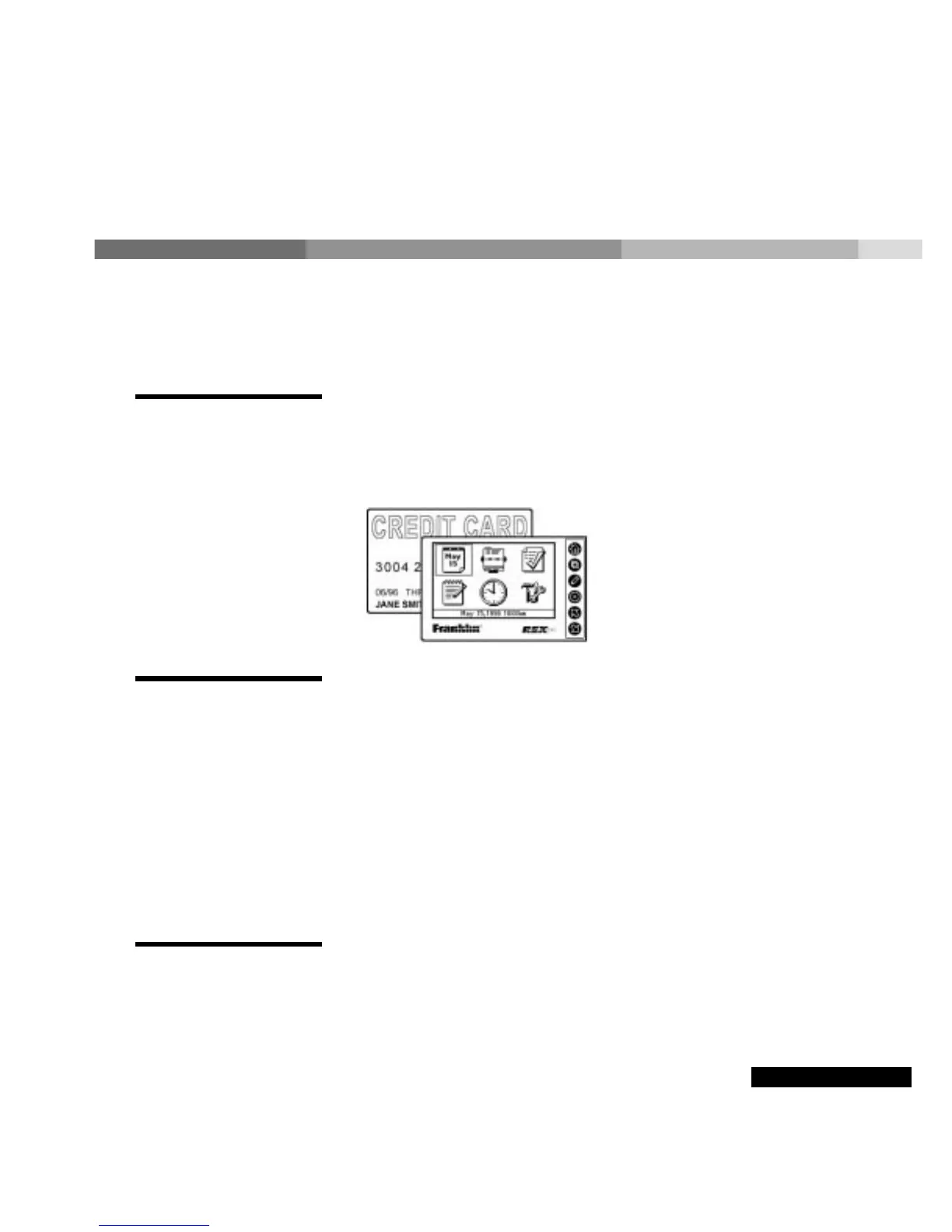
Tip: Take your REX
PRO card on your next
business trip. It’s as
easy to carry and as
essential as a credit
card! (But don’t put
REX PRO in your back
pocket!)



 To Next Page