Using the Docking Station 55
4
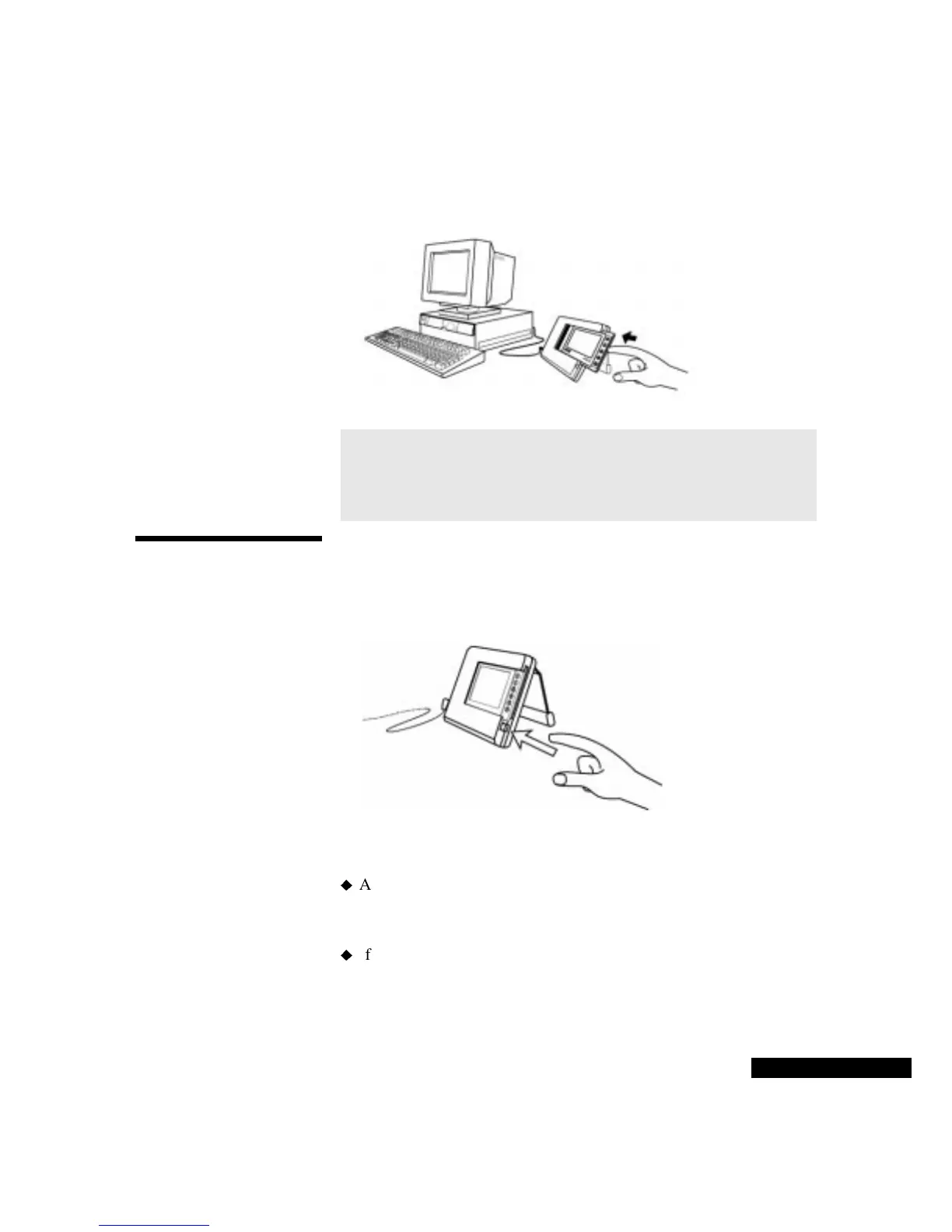
Wait a few seconds, and then return the REX PRO card to the
Docking Station slot.
Removing your
REX PRO card
To remove your REX PRO card from the Docking Station:
1
Press the Eject button below the slot on the Docking Station.
2
Gently remove the REX PRO card from the slot.
Follow these guidelines:
After you finish synchronizing, remove the REX PRO card from
the Docking Station. Leaving the REX PRO card in the Docking
Station decreases battery life.
If you have an alarm set to go off at a certain time, do not place the
REX PRO card in the Docking Station during that time period.
Alarms do not sound when the REX PRO card is in the Docking
Station.
The REX
PRO card
is placed
facing
outward.
CAUTION
If the Docking Station batteries are low on power,
the message “Cradle battery low!” appears on the REX
screen when it is inserted in the Docking Station. If you see
this message, change the batteries as soon as possible.
Press the
Eject
button to
remove the
REX PRO
card.



 To Next Page