Caring for your REX PRO 47Caring for your REX PRO 47
2
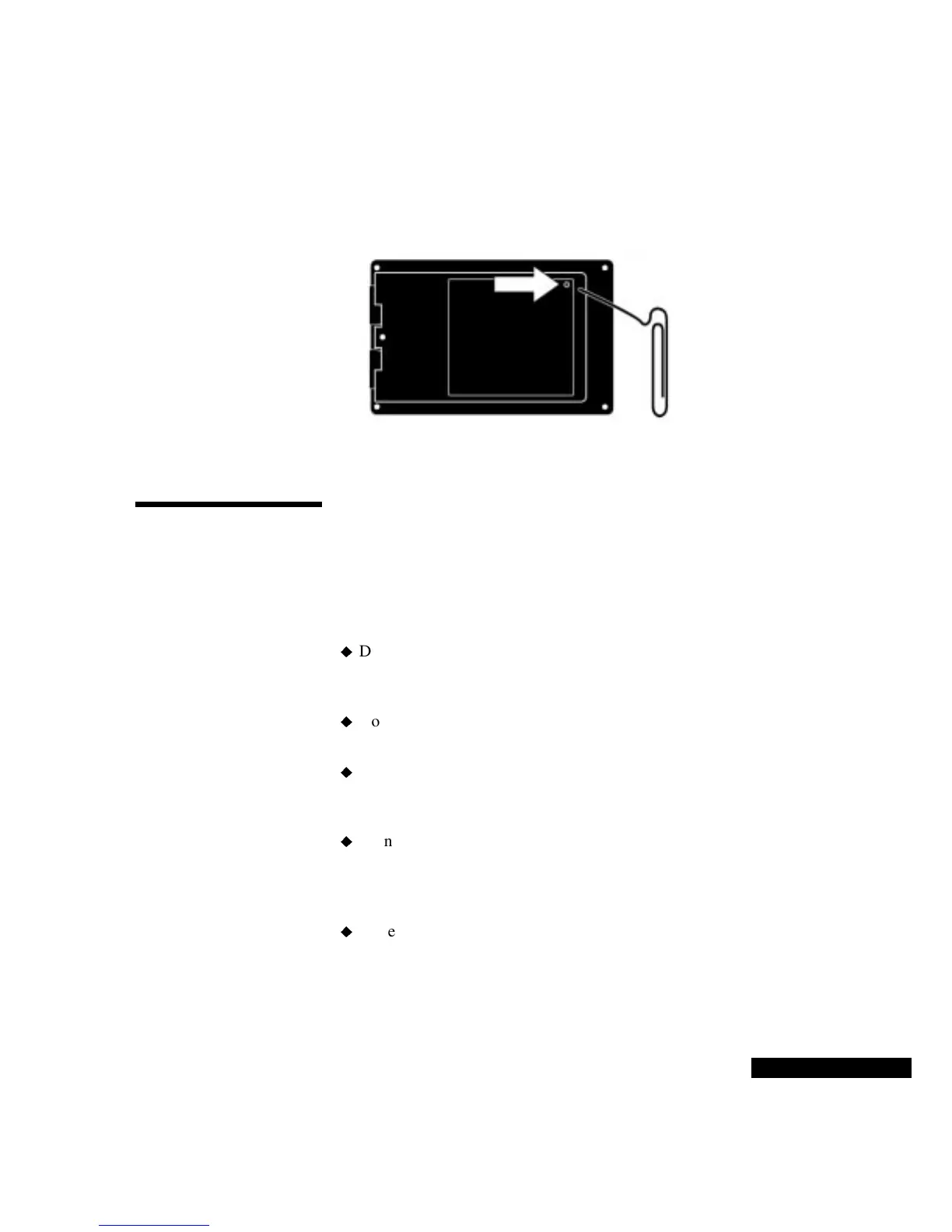
Use the straightened end of a small paper clip to press the recessed
Reset button, as shown below. Press very gently: if you use too
much force, it can damage the REX PRO card.
3
Wait for the reset tone, and make sure the Home screen is visible,
before you try using the REX PRO card again.
Product care
If the screen of your REX PRO card becomes smudged or dusty,
apply eyeglass cleaning fluid or isopropyl alcohol to a clean cloth and
gently wipe the screen clean. NEVER apply cleaners directly to the
REX PRO screen or card.
To protect your REX PRO card
Do not drop, or put excessive pressure on the REX PRO card. For
example, do not put the REX PRO card in your back pocket or
wallet. You could damage it when you sit down.
Do not bend the REX PRO card. Bending the card can lead to data
loss, or damage to the LCD screen.
Do not expose the REX PRO card to moisture, extreme
temperatures, or other adverse conditions. The REX PRO card is
not waterproof. Do not store it in damp, humid, or wet places.
Do not store the REX PRO card in its Docking Station, if you have
one. When the REX PRO card is stored in its docking station, its
batteries may lose power more quickly. In addition, alarms cannot
sound if the REX PRO card is in the Docking Station.
Protect the REX PRO card from being scratched or marred.
Never use a pencil or
other brittle object
to press the
reset button.



 To Next Page