23
choices, so that the process of entering and updating data becomes
increasingly faster and easier.
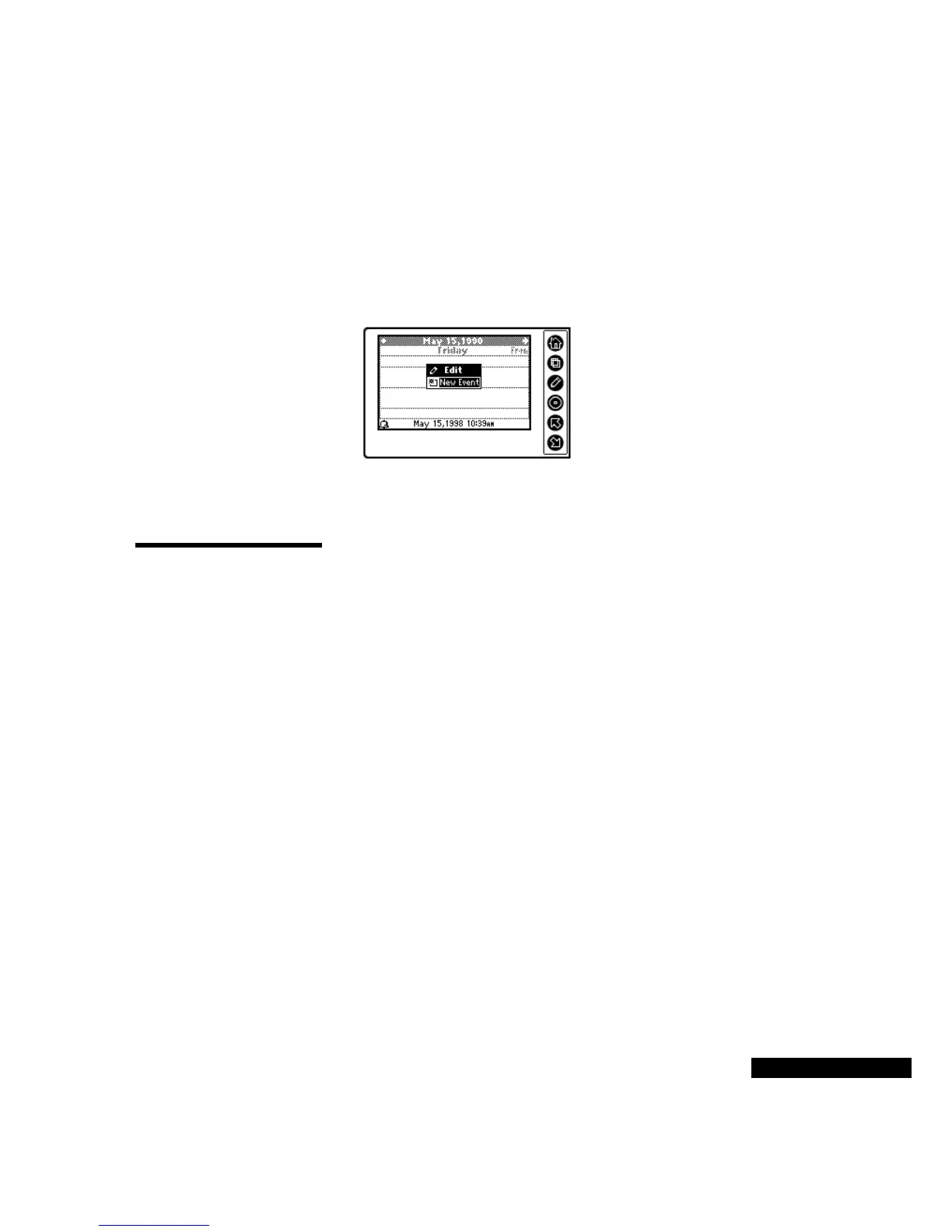
You can select Edit mode in almost any module. Your list of options
is based on your entry point into the system. If you press the Edit key
when you are looking at the Calendar, for example, you will see the
list below.
Other in-context options are presented in each module. These options
are discussed in the following sections.
Using the
Calendar
Using the Calendar, you can view, modify, delete, and create
appointments, birthdays, holidays, and other events that were entered
in TrueSync Desktop for REX PRO, and then synchronized to your
REX PRO card.
To select the Calendar:
From the Home screen, use the Up or Down key to highlight the
Calendar icon, and then press the Select key to go to the Calendar
Daily view.
Changing views
(Daily, Weekly,
Monthly)
To move from the Daily to the Weekly to the Monthly areas of your
Calendar, press the View key. You will see a menu of your options.
Highlight the desired view, and press the Select key.
In Weekly or Monthly view, the current date of the selected REX
PRO clock is indicated with parentheses ( ). In Daily view, the date
that displays is the date of the currently selected Local Time.
Using reminder
alarms
You can set an alarm for that important event in TrueSync Desktop
for REX PRO or Sidekick 98. Then synchronize your Calendar to
your REX PRO card — and, no matter where you are, the REX PRO
alarm will remind you of that event.
You can also set a reminder alarm when you create an event, or a
follow-up to an event, in your REX PRO card.
You can create a new
event, or follow up,
reschedule or cancel
an event, when you
are in Edit mode in
the Calendar module.



 To Next Page