Getting Started 7
1
Chapt er 1
Getting Started
Using the REX
PRO card
This chapter guides you through a tour of your REX PRO card’s
special features. You will also want to read these chapters: “Caring
for your REX PRO Card,” to learn how to make sure that your REX
PRO stays in good condition, and “Tips and Tricks,” which suggests
ways for getting the most from your REX PRO.
For details on using your Docking Station, see Chapter 5.
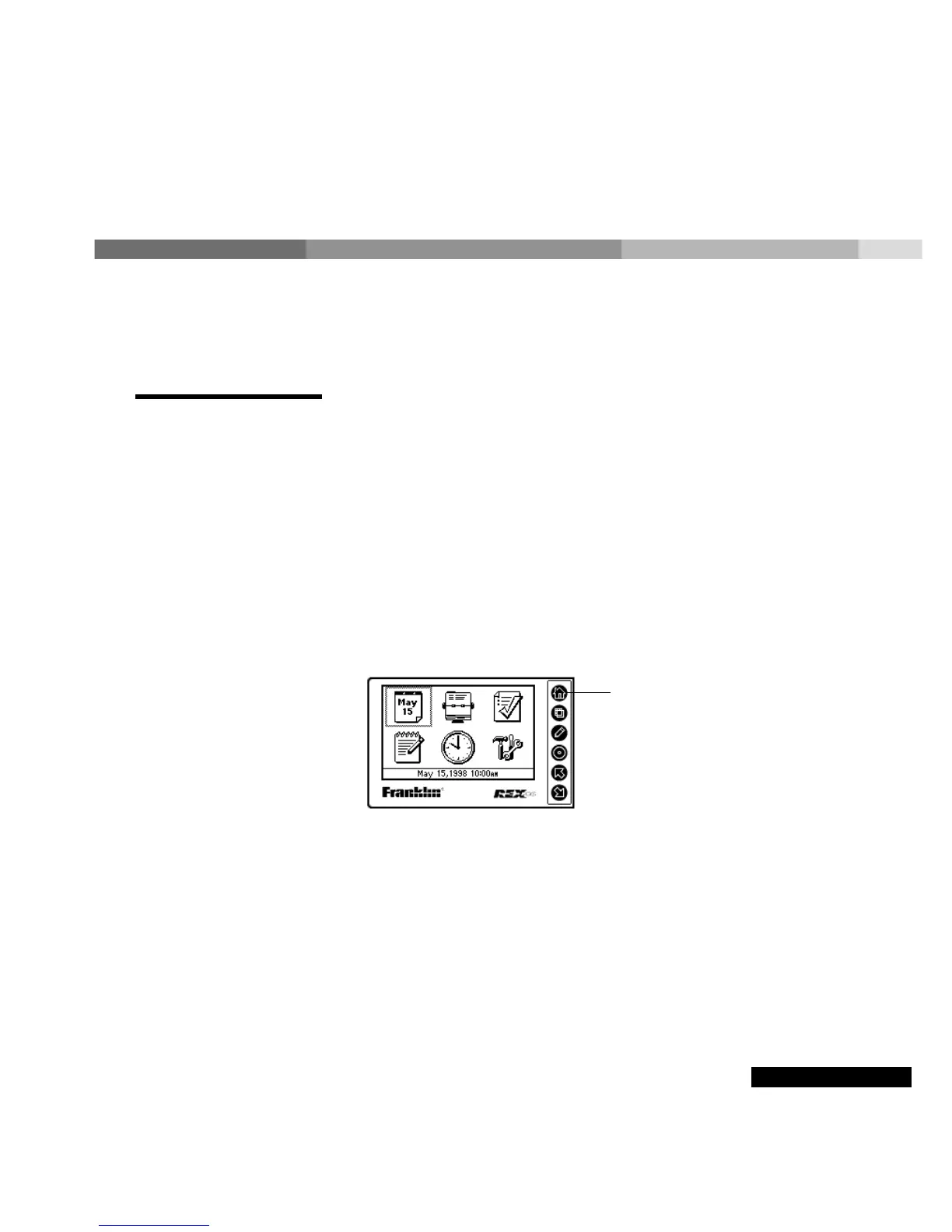
Turn on the REX PRO card
To turn on the REX PRO card, press any of the six control keys.
To turn off the REX PRO card, hold down the Home key (see below)
for a few seconds at the Home screen.
Using the keys
Your REX PRO card has six keys that let you select and view
information. The basic uses for each key are described in the table
Hold down the
Home key to
turn off the REX
PRO card.



 To Next Page