31
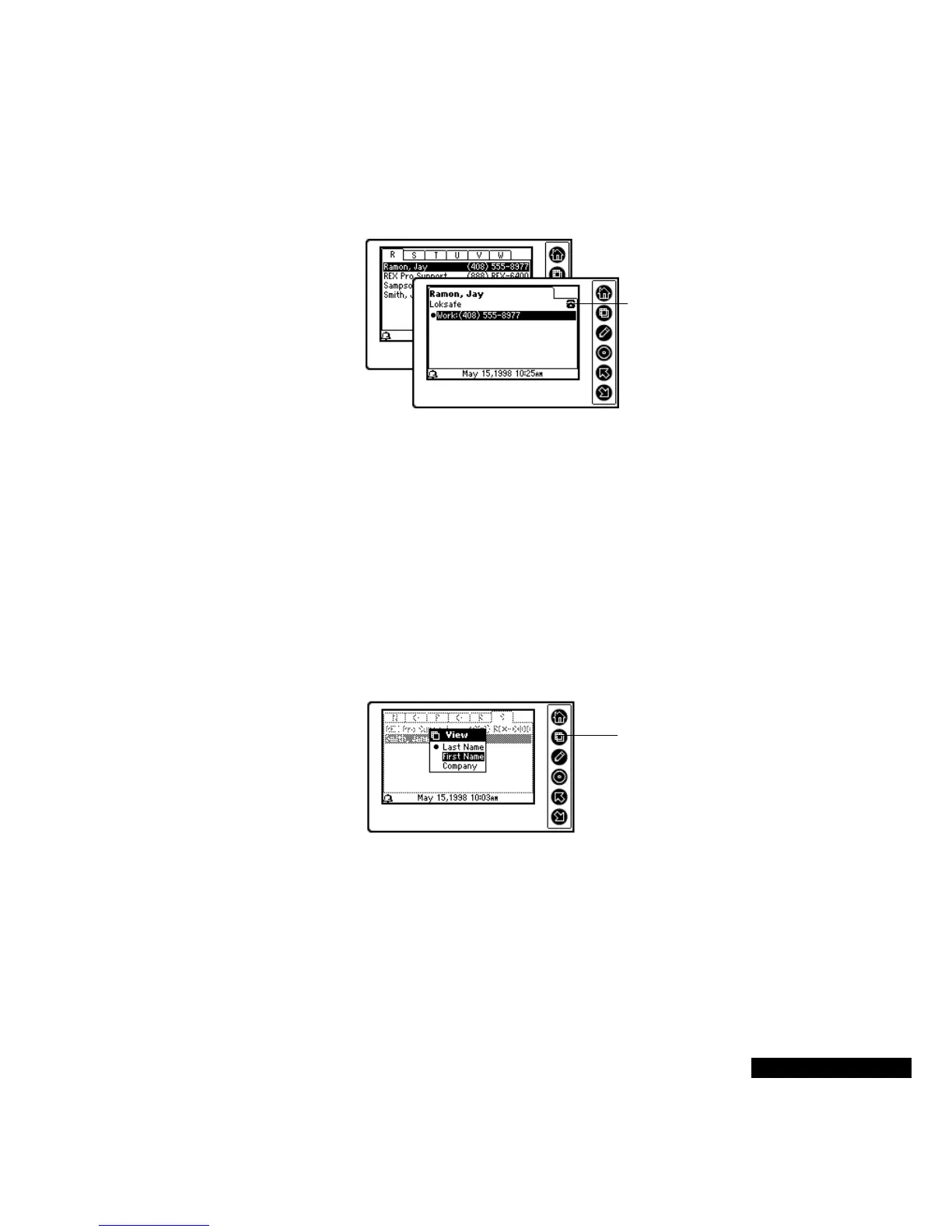
card. The views are indicated at the top right of the cards by
telephone, house, envelope, and notebook icons.
If the contents of a cardfile field are too long to display on the REX
PRO card, ellipsis (...) will appear at the end of the text. To view the
entire field if it is a number, highlight the number, and press the Select
key. If it is a text field, use the Up or Down key to scroll.
Sorting cards
You can sort cards in cardfiles alphabetically by last name, first name,
or company. When you synchronize your REX PRO card, the order is
reset to the last name.
To sort cards:
1
In the Contacts module, press the View key. The menu appears.
Highlight Sort Order, and press the Select key.
2
Use the Up or Down key to move the highlight to the field by
which you want to sort. Press the Select key to choose the Sort
order.
Changing the
telephone number
display
You can determine which telephone numbers, e-mail addresses, and
Web site addresses appear on the alphabetically tabbed cardfiles view.
The telephone icon
indicates that you
are viewing
telephone
information.
Press the Select
key to choose the
order in which your
cards are sorted.



 To Next Page