12 Chapter 1
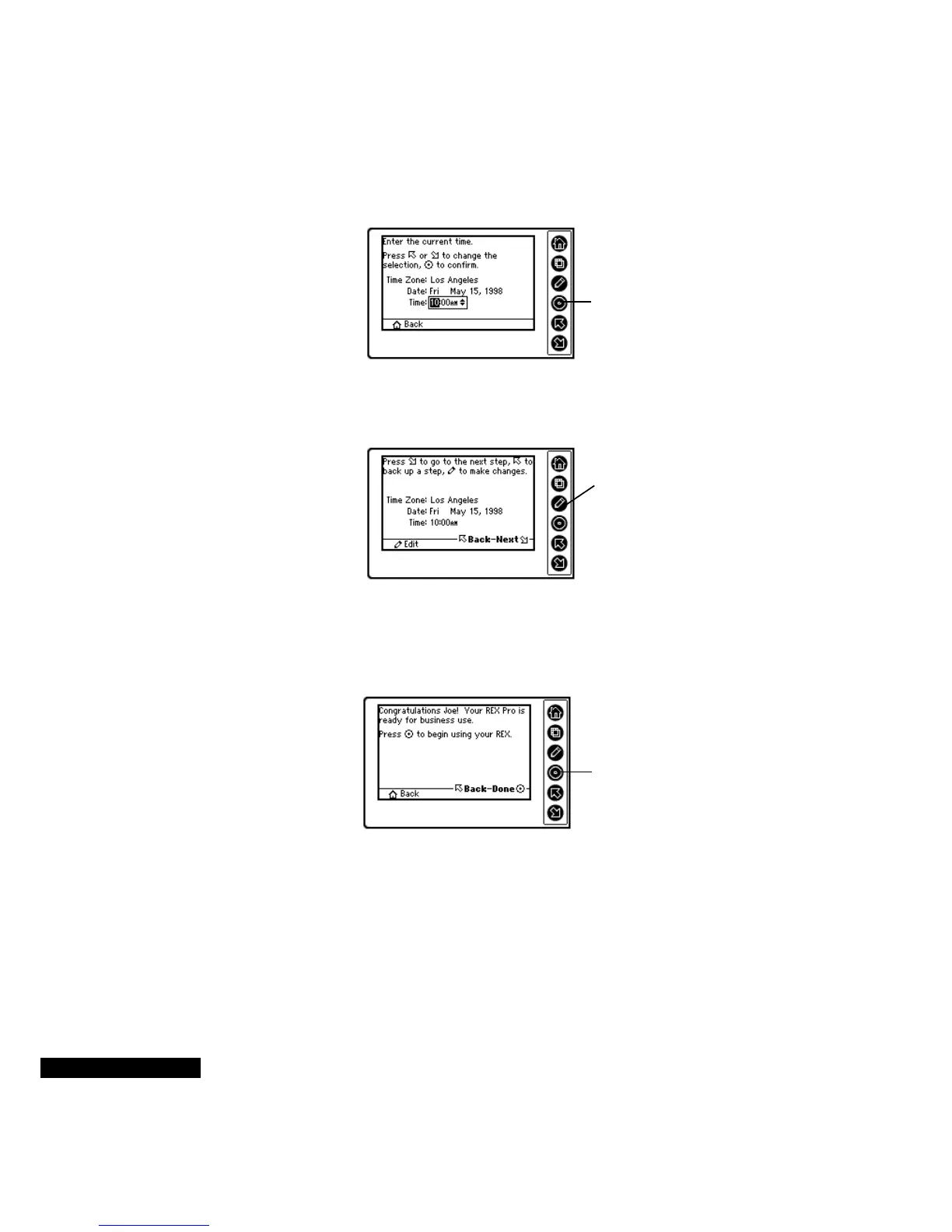
After you have entered the year, select the time.
The next screen shows your settings. To accept them and continue,
press the Down key. To make changes, press the Edit or Up key.
Congratulations! You have given your REX PRO card all the
information that it needs to be in sync with you. Press the Select key,
and you can start using your REX PRO.
After you have
entered the time,
press the Select key.
If you need to make
changes, press the Edit or
Up key.
When you have
finished, press the
Select key. If you want
to make changes,
press the Up key.



 To Next Page