25
Select key twice to view the daily Calendar for the first day of the
week.
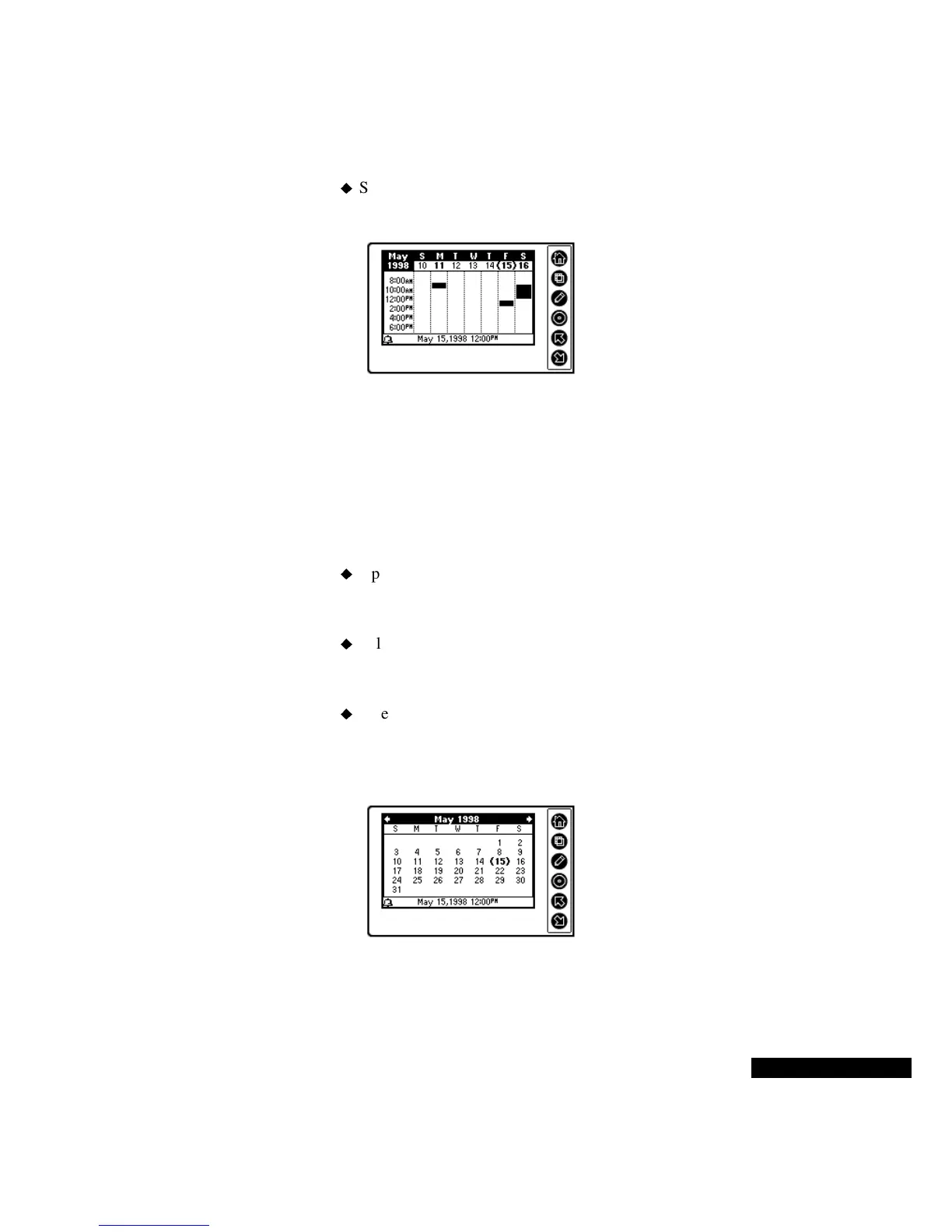
In the Weekly view, your Calendar events appear as bars. Each bar
indicates the duration of the event that it represents.
Press the View key, and choose from the menu of options to go to the
Monthly view.
In Monthly view, use the:
Up or Down key to move to the next or previous month, and the
Select key to highlight a date with a Calendar event. Press the
Home key to remove the highlight.
Select key to highlight the first date in a month with Calendar
events. Press the Select key again to view the daily Calendar for
that date.
Select key to highlight the first date with an event, and the Up or
Down key to move to other dates with events.This feature lets you
move quickly and easily from one date with an event to another
date with an event.
The current date is indicated with parentheses; dates with events are
shown in bold. A dot indicates an all-day, multi-day, or annual event.
Your events appear as
bars, with each bar
representing the time
span of an event.
The current date
appears in
parentheses.



 To Next Page