39
To create a QuickNote
1
Press the Edit key, highlight New QuickNote, and press the Select
key.
2
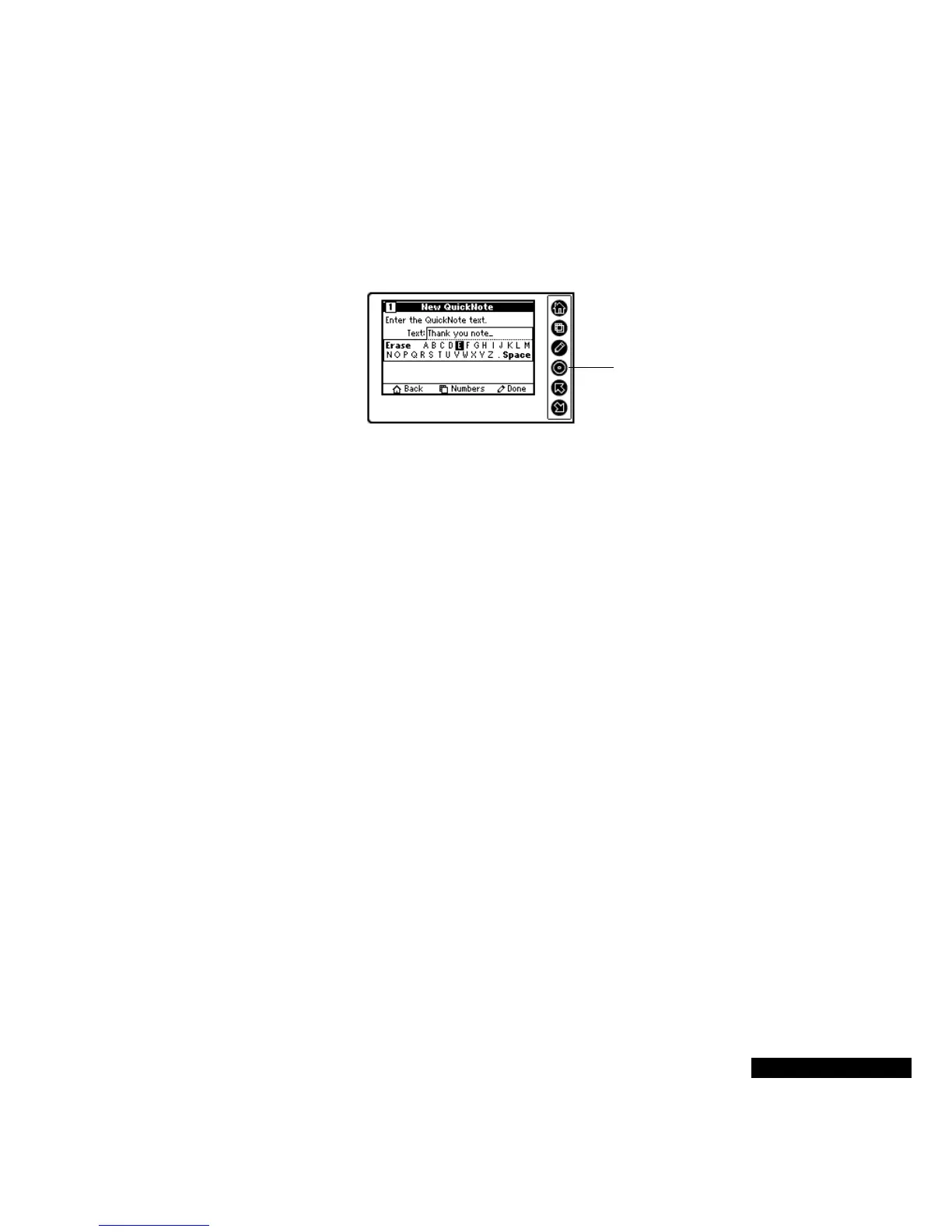
Enter the text of the QuickNote.
3
Use the Up and Down keys to move from letter to letter. Press the
Select key after each letter that you want to enter. Press the View
key to change to Numbers, and to return to Letters. You can also
move the highlight to Erase a letter or number, and to add a Space
or a period (.). Press the Edit key when you are done.
4
Select the Filing Category from the list, using the Up and Down
keys to move from category to category. Press the Select key when
the desired category is highlighted.
5
The Confirmation screen appears. Press the Select key to accept
your selection, or press the Edit key to revise it.
6
If you have entered too many letters to view, the truncated
QuickNote will appear in the list of Memos followed by an ellipsis
(...).
To add to a QuickNote:
1
Highlight the QuickNote with the Up or Down key.
Press the Select
key to enter each
letter or number.



 To Next Page