42
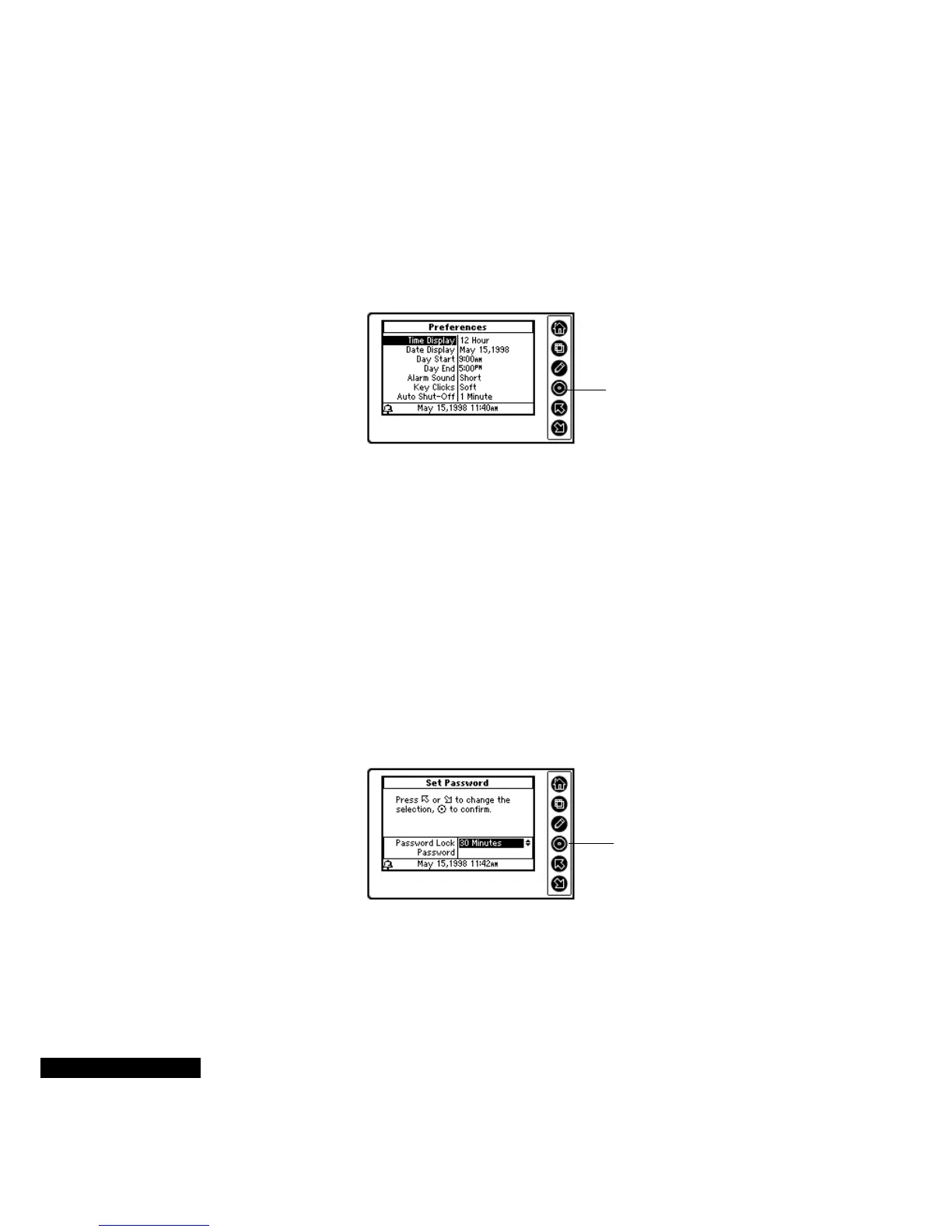
To change your preferences:
1
From the Home screen, Highlight the Preferences icon, and press
the Select key.
2
In the Preferences screen, use the Up or Down key to move from
one field to the next.
3
When the field that you want to change is highlighted, press the
Select key. You can then use the Up or Down key to scroll through
the list. When the choice that you desire is highlighted, press the
Select key.
To change your password:
1
Press the View key in the Preferences module. Use the Down key
to highlight the Set Password option, and then press the Select key.
2
To set a password, press five keys. You can choose any order or
combination of keys that you desire. When you have pressed five
keys, you will return to the Set Password Screen.
3
If you want to have your REX PRO card password-protected,
choose an option other than Disabled in the Password Lock field.
To view the device information:
1
Press the View key in the Preferences module, and highlight
Device Information in the menu. Press the Select key.
Use the Up or Down
key to scroll through
the options; use the
Select key to enter
your choices.
Use the Up or Down key
to scroll through the
Password Lock list, and
then press the Select key
to enter your choice.



 To Next Page