28 Cyclone PRO User Manual
CYCLONE PRO
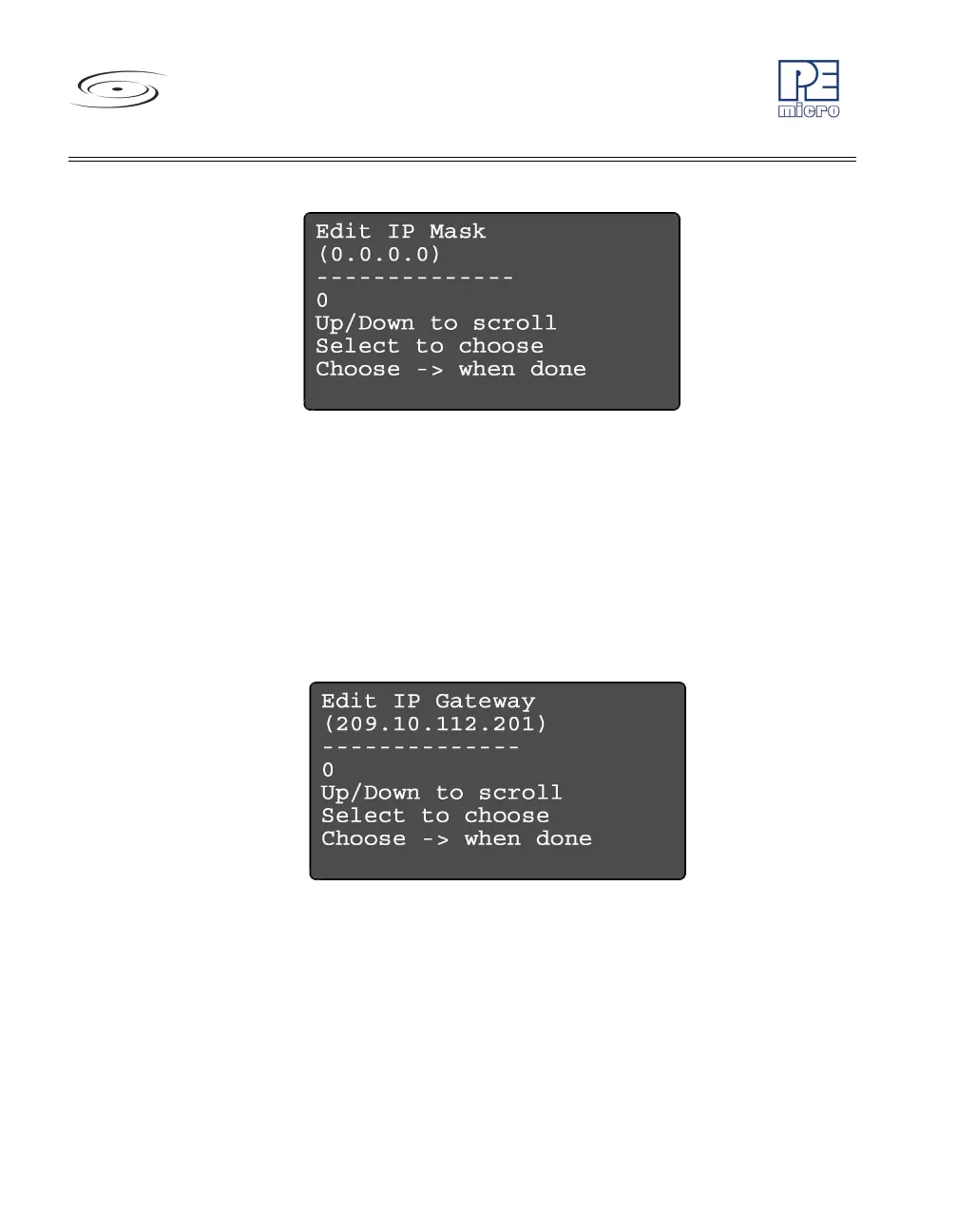
Figure 4-8: Edit IP Settings: Edit IP Mask
Edit IP Settings: Edit IP Gateway
Edit IP Gateway allows the user to set the IP Gateway for the
Cyclone PRO. The current IP Gateway is displayed on the
second line. Use the Up/Down buttons to scroll through the
characters. To select a character, hit the Select button. When you
are finished, scroll through the characters until you reach the -
>
(right-arrow) character. Selecting this character will complete the
process.
Figure 4-9: Edit IP Settings: Edit IP Gateway
Edit IP Settings: Show MAC Address
Show MAC Address displays the current MAC address for the
Cyclone PRO.



 To Next Page