Cyclone PRO User Manual 89
CYCLONE PRO
Checking “Always Erase and Program flash without asking” lets the software
transparently program the microprocessor.
Trim Programming
The “Trim Programming” checkbox enables automatic calculation and
programming of the trim value in a designated Non-Volatile memory location.
Sync to PLL Change
“Sync to PLL Change” is required for the software/hardware connection to
synchronize with the microprocessor during the flash erasing/programming
procedure.
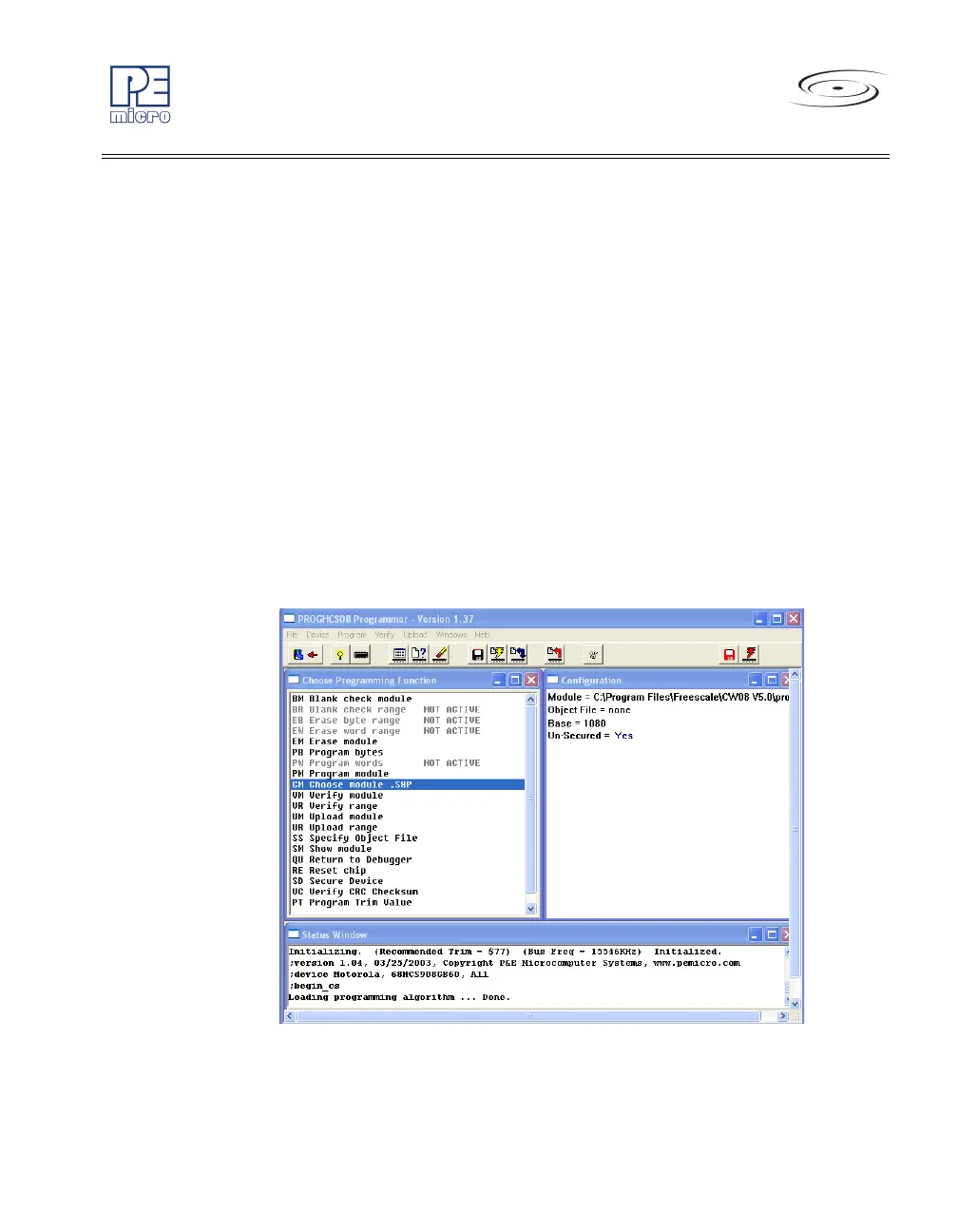
Start Expert Mode Programmer
Start Expert Mode Programmer grants to the user access to P&E’s graphical
flash programming utility, PROGHCS08. PROGHCS08 lets an advanced user
control the step-by-step execution of the flash erase/programming procedure.
See Figure 8-34. More information on how to use the PROGHCS08 can be
found on the P&E Microcomputer Systems website at www.pemicro.com.
Figure 8-34: PROGHCS08 Software



 To Next Page