90 Cyclone PRO User Manual
CYCLONE PRO
8.4.4.2 View Register Files
The “View Register Files...” menu selection also gives the user the option
of running the register file viewer/editor. If register files are available for
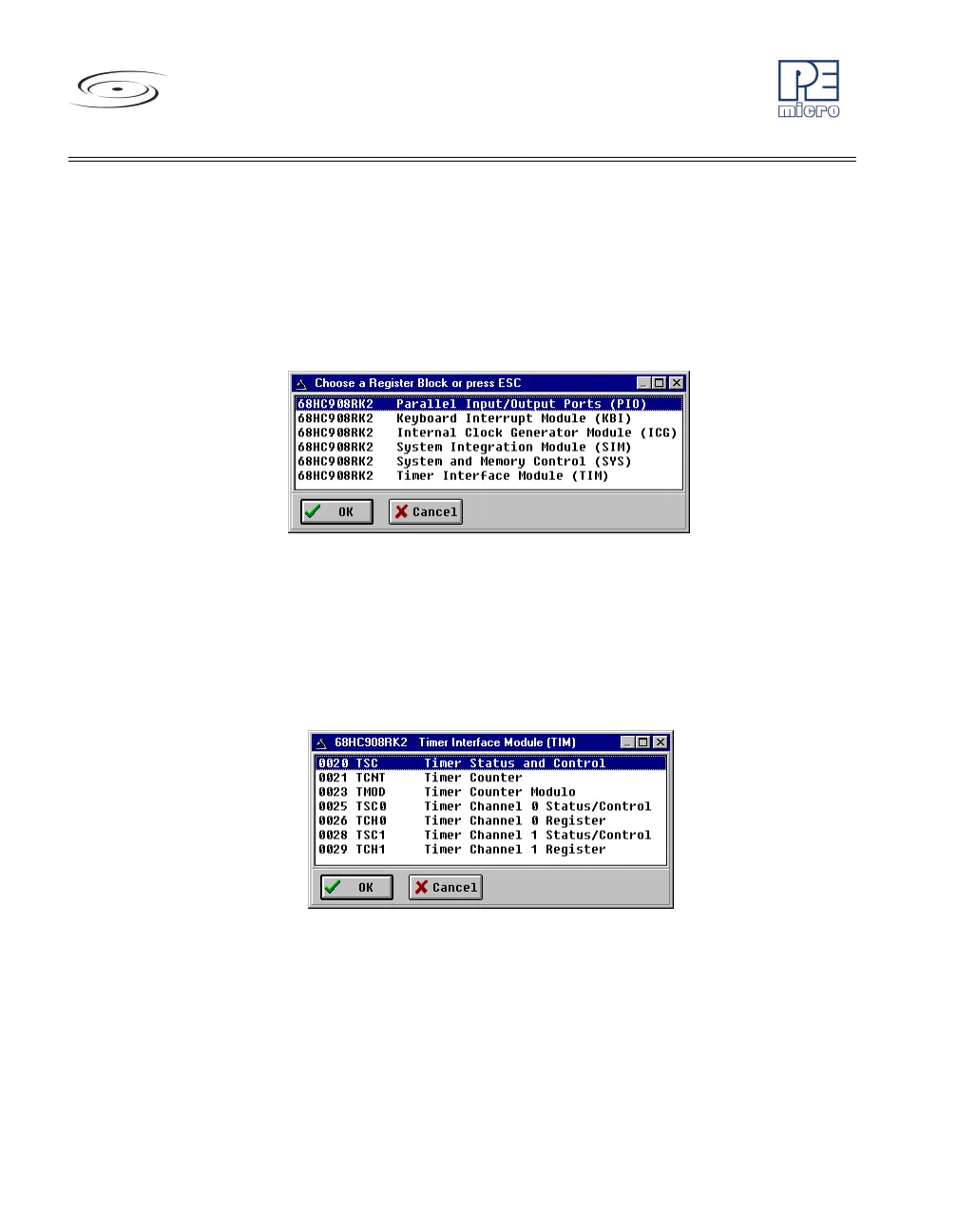
the device that you have chosen, the “Choose a Register Block” window
(see Figure 8-35) will be opened. You may also open it by entering the R
command in the Command Window command line.
Figure 8-35: Choose A Register Block Window
If register files have been installed on the host computer, selecting a block
brings up the Register Block register listing (see Figure 8-36), which shows a
list of the associated registers, their addresses, and their descriptions. This
begins interactive setup of system registers such as I/O, timer, and COP
watchdog.
Figure 8-36: Register Block Register Listing
Selecting a file brings up the Register Window (see Figure 8-37), which
displays the values and significance for each bit in the register. The registers
can be viewed and their values modified, and the values can be stored back
into debugger memory.



 To Next Page