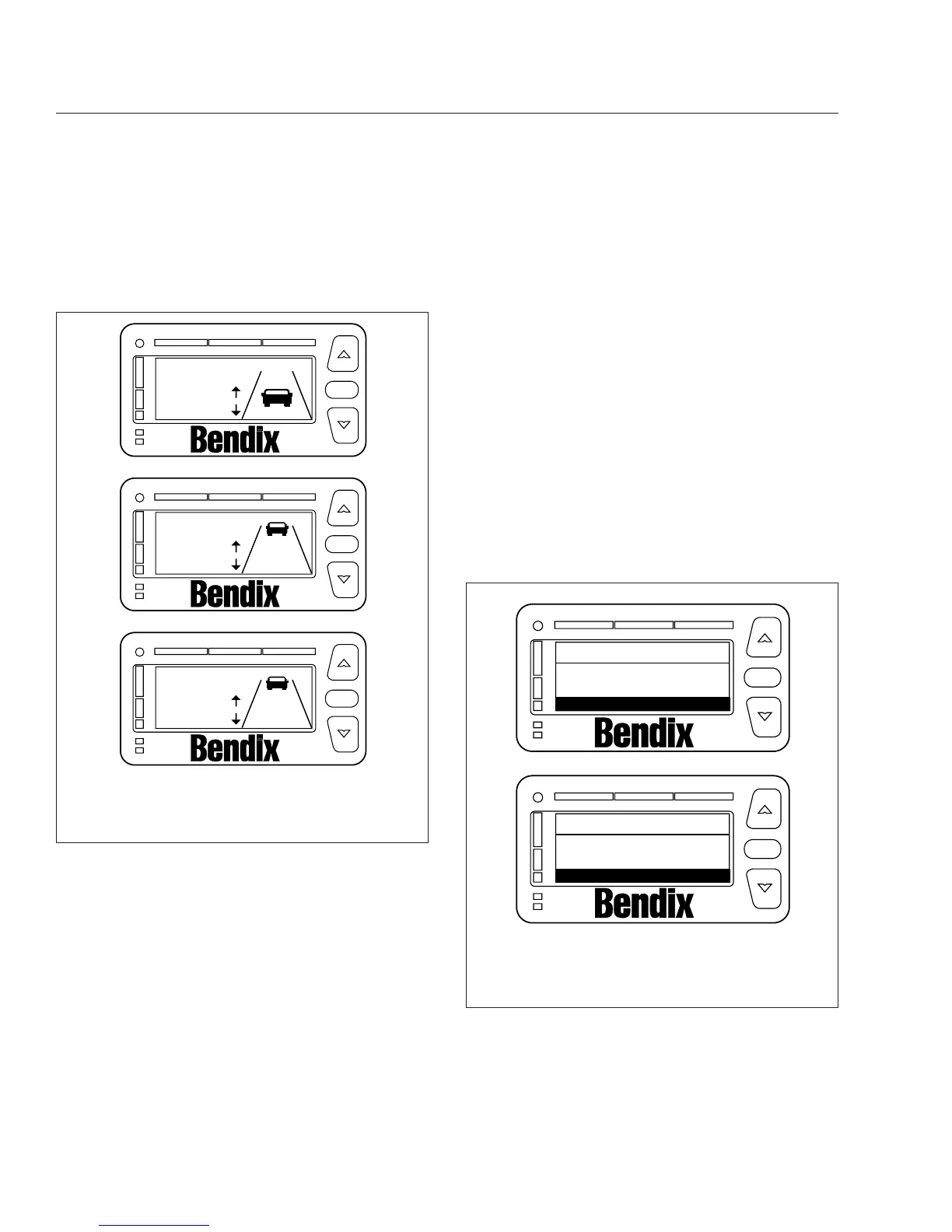
NOTE: If the headway range is adjusted to
three seconds or below and SmartCruise is ac-
tive, the 3-second collision warning headway
alert will not display. All other alerts are not
suppressed.
Brightness
Use the up and down arrows to change the DIU
backlight and warning LED brightness. Press the OK
button to exit the brightness screen.
The ambient light sensor reading determines if the
DIU is in daytime or nighttime mode. Menu-adjusted
brightness is applied only to the mode the DIU is in
at the time of adjustment. The previous brightness
settings are repeated after each ignition cycle. How-
ever, the graphic display and the warning LED bright-
ness range are constrained such that they are al-
ways visible regardless of how low the brightness is
adjusted in all driving conditions. Press the OK but-
ton to exit the menu.
Unit Adjustment Screen
The unit adjustment screen allows the driver to select
either km/h or mph units for display of SmartCruise
set speed. Press OK to exit the mph selection
screen.
System Status
System status shows the status of each system, indi-
cating if the system is operating normally. If a system
is not operating normally, the system displays Failed
beside the system name. Failed indicates that a fault
is preventing the system from operating and it cannot
be used until the fault is corrected or acknowledged.
Depending on the VS-400 system installed, one of
the screens shown in
Fig. 6.6 will appear unless a
system fault is active. Press OK to exit the system
status menu.
Diagnostics
The DIU displays fault codes currently active when
this screen is selected and the vehicle is stationary.
f610927a
C
3.25 sec
SmartCruise
Range
A
SmartCruise
Range
2.25 sec
B
3.25 sec
SmartCruise
Range
fixed
OK
OK
OK
02/03/2012
TM
TM
TM
A. Minimum headway adjustment
B. Maximum headway adjustment
C. Headway range disabled
Fig. 6.5, Headway Range Screen
f610923a
A
B
Collision warn
SmartCruise
VORAD
status
OK
OK
Press OK for Menu
Collision warn
VORAD
status
OK
Press OK for Menu
OK
OK
02/03/2012
TM
TM
A. Status display for CWS and SmartCruise
configuration
B. Status display for CWS configuration
Fig. 6.6, System Status Screens
Driver Assistance Features
6.3











 To Next Page