ICU Information
The ICU Information screen displays the part num-
bers for the instrument cluster and software.
Overhead Instrument Panel
The optional overhead instrument panel may hold a
citizen’s band (C/B) radio and any switches that can
not be accommodated on the driver’s or auxiliary
dash panels.
The underside of the overhead console also holds
the sun visors and the optional dome/reading light
asssembly. See
Chapter 5 for more information on
the dome/reading light assembly.
1/3
Accelerator Pedal
Problem Detected
Diagnostics
MENU
BACK
Active
Engine (3)
1/3
ABS (1)
Engine (3)
MENU
BACK
1/2
Active (12)
Historic (0)
MENU
BACK
Indicates when to press
the MENU BACK switch
Indicates when to press
the ENTER switch
05/30/2012 f611194
Menu
Diagnostics
MSF (1)
Menu
Diagnostics
Active
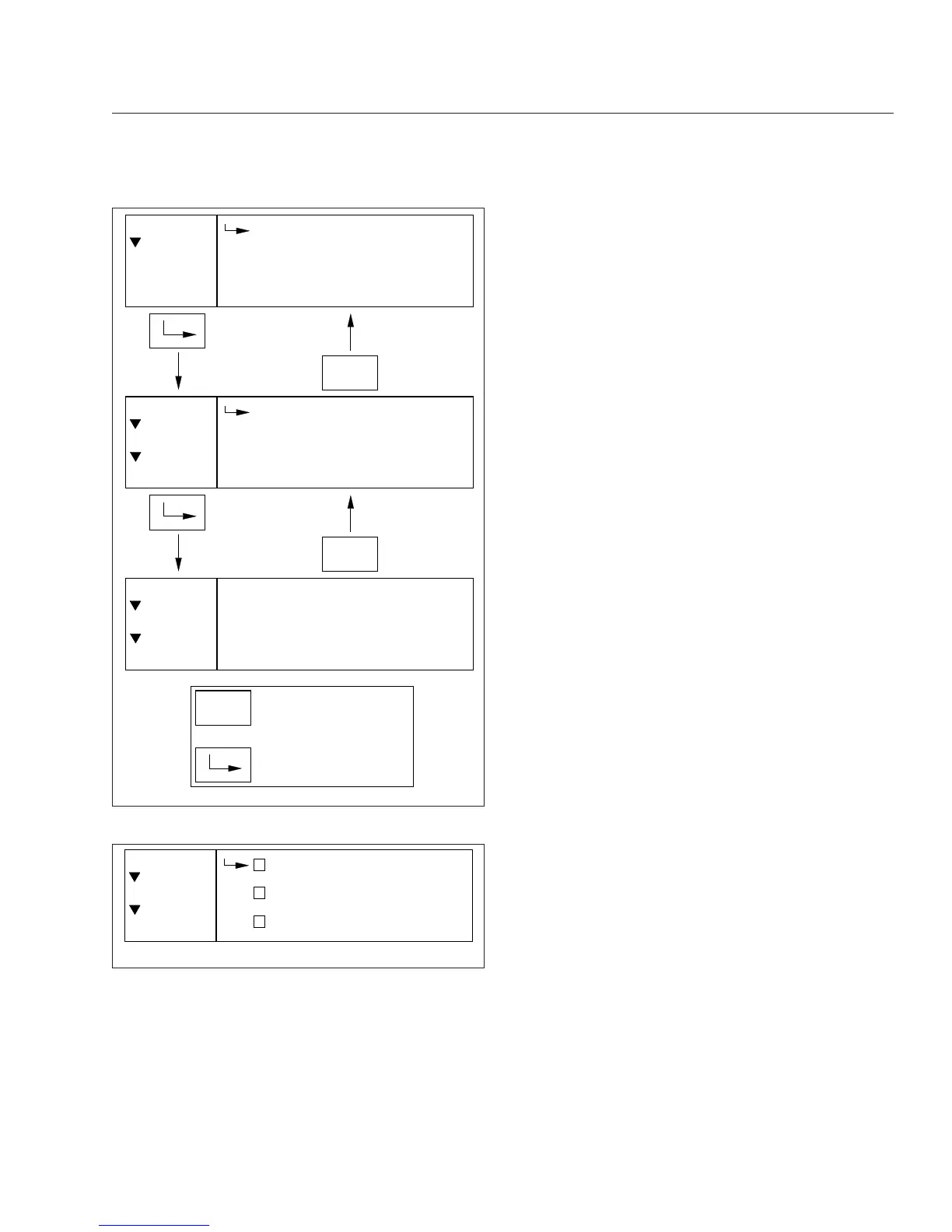
Fig. 4.27, Diagnostics Menu Navigation, ICU4Me
06/26/2012 f611195
1/6
Axle Temp
Air Pressure
Engine Oil Temp
Menu
Settings
Gauge Disp.
x
Fig. 4.28, Selecting Gauges to Display, ICU4Me
Instruments
4.24











 To Next Page