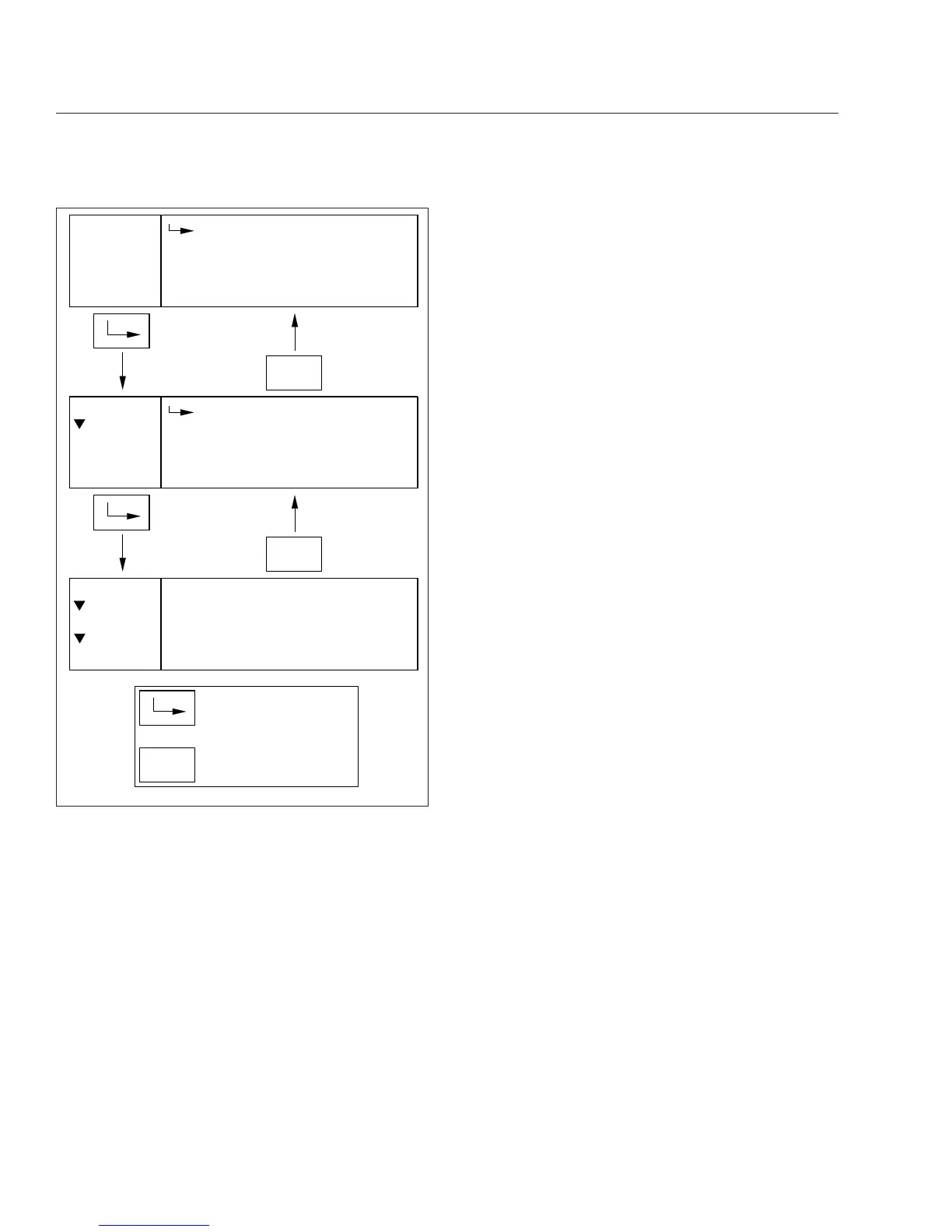
When navigating the parked menus, the left side of
the driver message center displays a "breadcrumb
menu" to show the order of menus and submenus
that have been selected during the current naviga-
tion.
Trip Information
The ICU can record data for one trip segment and
one leg segment. When trip information is reset, all
the leg information is reset as well.
Fuel Information
Using this menu, the driver can view the total fuel
used since the last reset, the total idle gallons used
since the last reset, and the average MPG since the
last reset.
Engine Information
Using this menu, the driver can view engine miles,
engine hours, gallons used, PTO hours, and PTO
gallons. Engine oil level is optional for Detroit en-
gines. The information contained in the Engine Infor-
mation screens cannot be reset.
Diagnostics
Active and historical faults are displayed in the diag-
nostics menu. See
Fig. 4.27. If there are any active
faults, the total number of faults is displayed in pa-
renthesis next to the affected controller. To view spe-
cific active faults, press the upper half of the ICU4Me
control switch on the dash. Press the upper half of
the ICU4Me control switch to toggle between the text
description and the failure code for each selected
fault.
Service Information
Using this menu, the driver can enable, disable, and
set service intervals for engine miles or engine
hours. After enabling service intervals, select interval
unit (miles or hours), and the interval duration.
Settings
The settings menu contains the controls for the fol-
lowing settings:
•
Display (includes brightness, contrast, display
light, and night mode settings)
•
Gauge select
•
Language
•
Self-test
•
Temperature warning enable/disable
•
Units
The Gauge Select submenu allows the driver to se-
lect certain gauge values for display in the message
field while driving. See
Fig. 4.28. Use the + and –
switches on the steering wheel to scroll through the
list of available gauges, then press the upper half of
the ICU4Me control switch to select a desired gauge.
The ICU4Me control switch can also be used to un-
check boxes if necessary.
1/3
Miles:
Gallons:
Menu
MENU
BACK
Avg. MPG:
Trip Info
Trip
123456.7
123456.7
123.4
1/2
Trip
Leg
Menu
MENU
BACK
Trip Info
1/7
Trip Info
Fuel Info
Menu
Engine Info
MENU
BACK
Indicates when to press
the MENU BACK switch
Indicates when to press
the ENTER switch
06/21/2012 f611193
Fig. 4.26, Parked Menu Navigation, ICU4Me
Instruments
4.23











 To Next Page