The following alert messages will repeat intermittently
until the condition is eliminated:
•
turn signal on
•
low voltage
•
no datalink
•
low transmission air pressure (Detroit transmis-
sions only)
Driving Screens
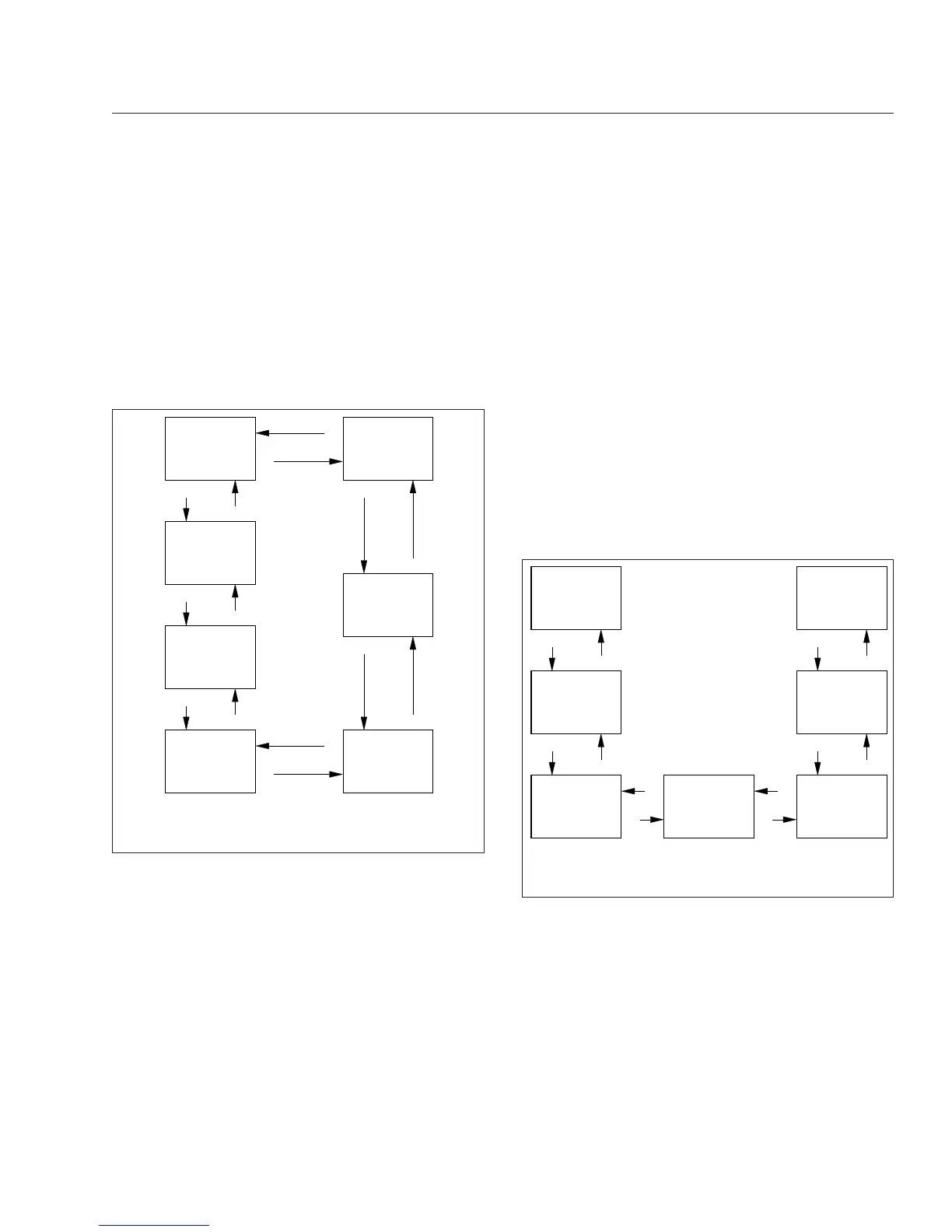
With the parking brake off, only the driving screens
are available. Use the + and – switches on the steer-
ing wheel to scroll through the driving screens; see
Fig. 4.24. To reset any values, press and hold the +
switch.
•
Temperature
•
MPG information
•
Trip information
•
Leg information
•
Gauge display (if selected)
•
Predictive Cruise Control (optional)
•
Enter parked menus
Parked Screens/Menus
Park the vehicle and set the parking brake to access
the parked menus and submenus. See
Fig. 4.25.To
reset values in any of the menus, press and hold the
+ switch.
•
Trip information
•
Fuel information
•
Engine information
•
Diagnostics
•
Service information
•
Settings
•
ICU Information
A small numerical fraction is displayed in the upper
right-hand corner of each screen to indicate the num-
ber of available screens or options to scroll through.
See
Fig. 4.26. Press the upper half of the ICU4Me
control switch to select a menu choice. Press the
lower half of the control switch to back out of a se-
lected menu or submenu. Use the + switch to scroll
up, and the – switch to scroll down.
Time &
Temperature
MPG
Information
+
−
−
Trip
Information
Enter to
Stationary
Menu
−
+
Gauge
Display
Screens
Leg
Information
Predictive
Cruise
Control (opt)
+
+
−
+
−
+
−
06/21/2012 f040823
−
+
(if selected)
Use the + and – switches on the steering wheel to
navigate through the driving screens.
Fig. 4.24, Driving Screen Navigation, ICU4Me
+
−
−
+
−
+
−
+
+
−
−
+
06/26/2012 f040824
Trip Info
Fuel Info
Engine Info
Diagnostics Service
Settings
ICU Info
Use the + and – switches on the steering wheel to
navigate through the parked menus.
Fig. 4.25, Parked Menus, ICU4Me
Instruments
4.22











 To Next Page