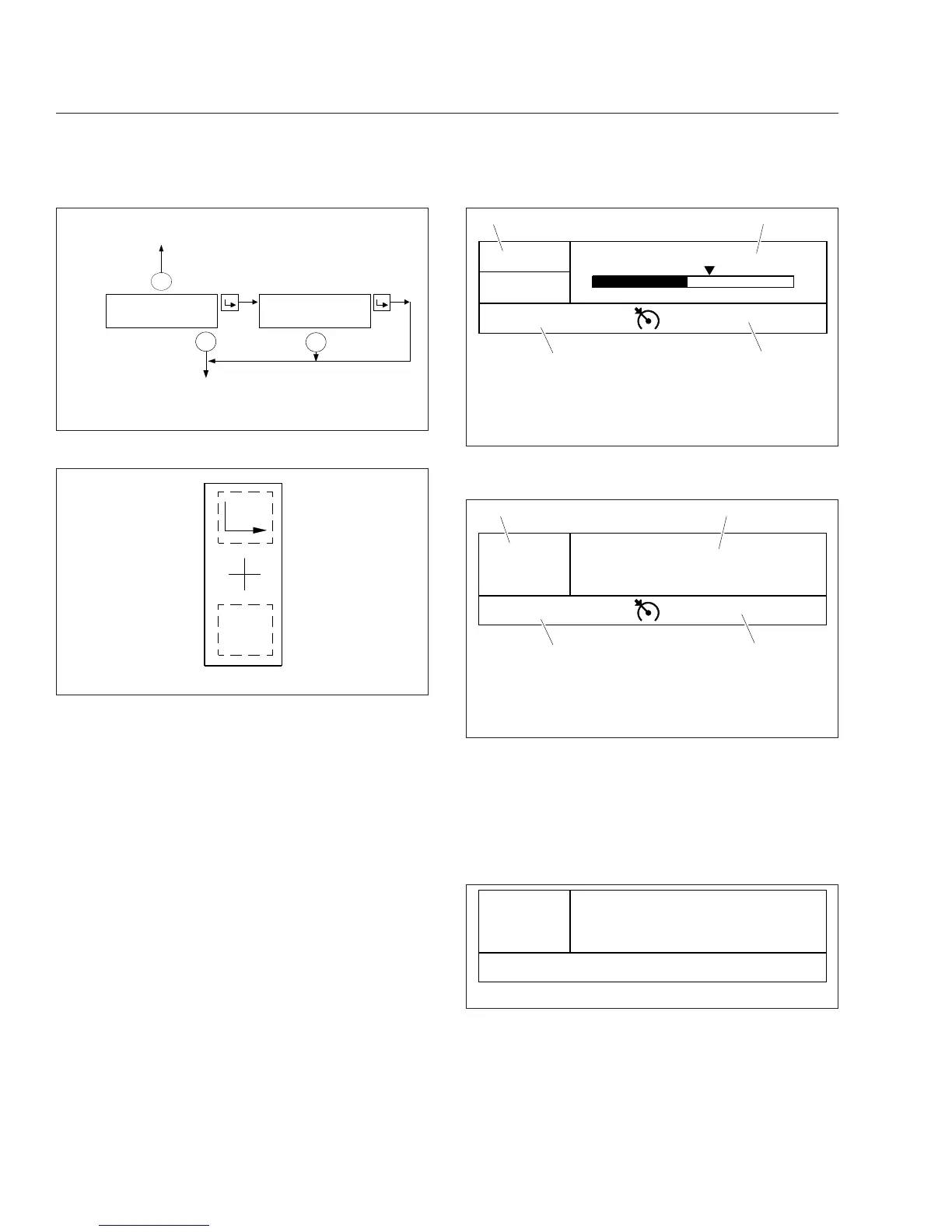
manual transmission, time and temperature are dis-
played in the top left corner of the driver message
center. The message field displays the driving
screens and alert messages. See
Fig. 4.21.
If the vehicle is equipped with an automated trans-
mission, the gear display is located in the top left
corner of the driver message center. Time and tem-
perature are displayed in the message field, unless
an alert message is active or a driving screen has
been selected. The odometer and cruise control sta-
tus field are displayed along the bottom of the mes-
sage center. See
Fig. 4.22. For information about
transmission display options, see
Chapter 15.
Alert Messages
Alert messages are displayed in the message field to
notify the driver when certain conditions occur. They
include warnings, cautions, and other messages that
require the driver’s attention. Not all alert messages
are critical to the operation of the vehicle. More im-
portant messages take priority over less important
messages.
NOTE: All alert messages follow the format
shown in
Fig. 4.23.
Press the + switch to acknowledge alert messages
and revert to the previously displayed driving screen.
+
−
−
VEHICLE
INFORMA
TION
DASH
#
123
−
12345
−
123
SW VER
1
.
0
Setup Information
Outside
Air
T
emp
03/30/2010 f040803
Fig. 4.19, ICU4M Vehicle Information Screens
f61117304/03/2012
Menu
Back
Fig. 4.20, ICU4Me Control Switch
06/26/2012 f611166
5555555 mi
1/7
NW
77° F
Trip MPG: 5.6
0
15
5
12
3
4
10
65 mph
1. Temperature and Compass
2. Message Field
3. Cruise Control Status Field
4. Odometer
Fig. 4.21, Driver Message Center Without Gear Display,
ICU4Me
1/7
NW
77 °F
06/26/2012 f611165
10
A
econ
5555555 mi
12
3
4
65 mph
1. Gear Display
2. Temperature and Compass
3. Cruise Control Status Field
4. Odometer
Fig. 4.22, Driver Message Center with Gear Display,
ICU4Me
Park Brake On!
06/12/2012 f611192
10
A
econ
5555555 mi
Fig. 4.23, Parking Brake Alert Message
Instruments
4.21











 To Next Page