EasyManua.ls Logo

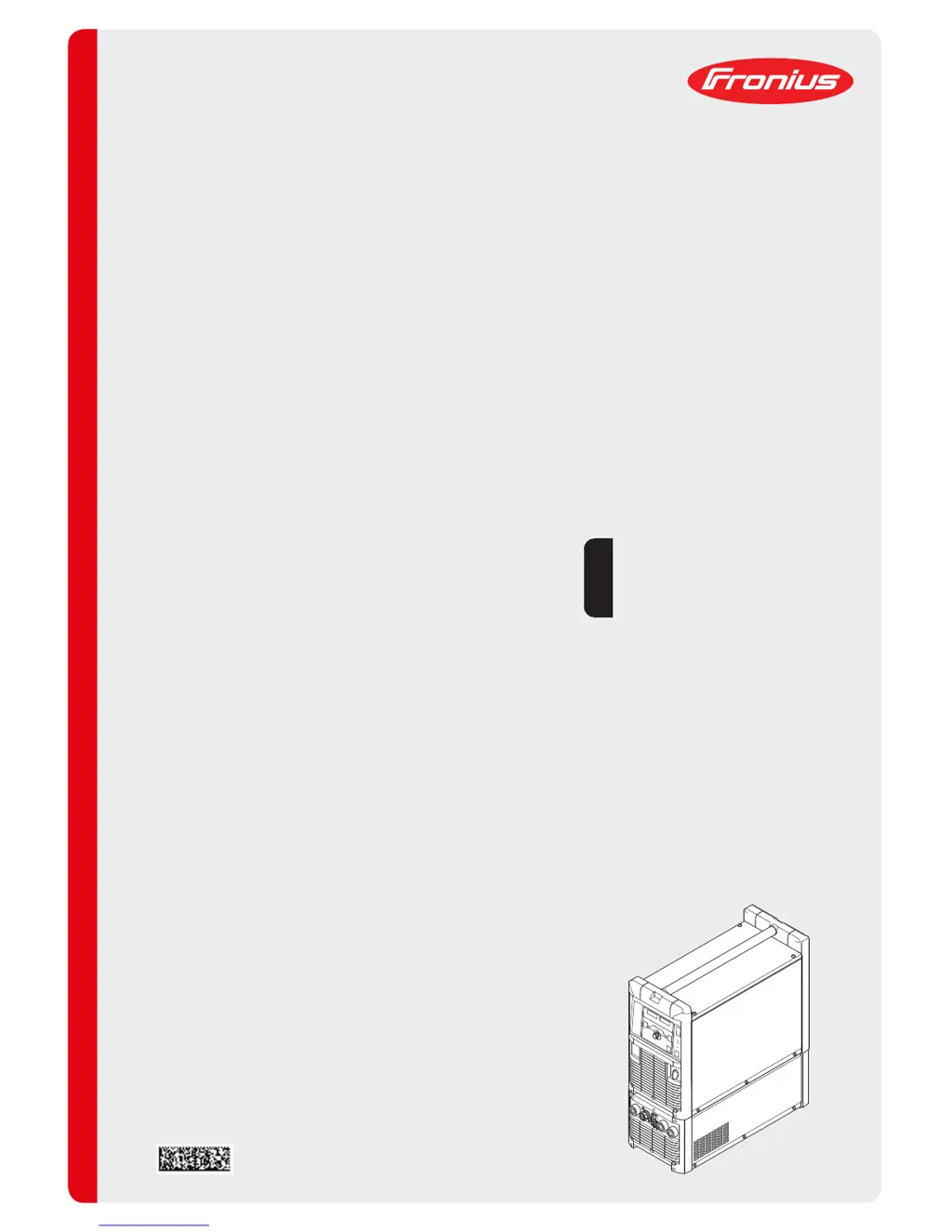
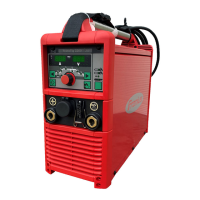
Fronius TransTig 4000 - User Manual

Fronius TransTig 4000
140 pages
Print Icon
To Next Page IconTo Next Page
Loading...
Fronius prints on elemental chlorine free paper (ECF) sourced from certified sustainable forests (FSC).
/ Perfect Charging / Perfect Welding / Solar Energy
42,0426,0027,EN 018-23022017
TransTig 2200
TransTig 2500 / 3000
TransTig 4000 / 5000
MagicWave 1700 / 2200
MagicWave 2500 / 3000
MagicWave 4000 / 5000
Operating Instructions
Spare parts list
TIG Power source
EN

Table of Contents

Questions and Answers

  • J
    Jennifer McdanielAug 17, 2025
    What to do if the Fronius TransTig 4000 Welding System displays 'Ignition time-out'?
    • M
      Marc TranAug 17, 2025
      If the Fronius Welding System indicates an 'Ignition time-out', it means the current didn't start flowing before the set wire length was fed, and the power source safety cut-out was activated. Try pressing the torch trigger repeatedly. Also, clean the workpiece surface. If the problem persists, increase the time until the safety cut-out is triggered via the level 2 setup menu.
  • K
    Katrina RothAug 20, 2025
    What to do if Fronius TransTig 4000 shows error 'PE'?
    • W
      wilcoxveronicaAug 20, 2025
      If your Fronius Welding System displays error 'PE', the earth current watchdog has triggered the power source's safety cut-out. To resolve this, switch off the power source, wait 10 seconds, and then switch it back on. If the error continues after several attempts, the provided information is insufficient to resolve this issue.
  • M
    Michelle FreemanAug 22, 2025
    What to do if Fronius Welding System tP1 error occurs?
    • E
      Erik RodriguezAug 22, 2025
      If the Fronius Welding System displays a tP1 error, it indicates overtemperature in the power source's primary circuit. Allow the power source to cool down.
  • S
    Shannon GoodmanAug 26, 2025
    What to do if Fronius TransTig 4000 Welding System tP2 error occurs?
    • G
      Gregory RodgersAug 26, 2025
      If the Fronius Welding System displays a tP2 error, it indicates overtemperature in the power source's primary circuit. Allow the power source to cool down.
  • P
    Patrick FordAug 27, 2025
    What to do if Fronius TransTig 4000 tP3 error occurs?
    • D
      Deborah AdamsAug 27, 2025
      If the Fronius Welding System displays a tP3 error, it indicates overtemperature in the power source's primary circuit. Allow the power source to cool down.
  • J
    Jessica SantosAug 30, 2025
    What to do if Fronius TransTig 4000 Welding System tP4 error occurs?
    • C
      Connie KelleyAug 30, 2025
      If the Fronius Welding System displays a tP4 error, it indicates overtemperature in the power source's primary circuit. Allow the power source to cool down.
  • J
    Joshua DunnSep 1, 2025
    What to do if Fronius TransTig 4000 tP5 error occurs?
    • T
      Trevor RussellSep 1, 2025
      If the Fronius Welding System displays a tP5 error, it indicates overtemperature in the power source's primary circuit. Allow the power source to cool down.
  • N
    Noah RamirezSep 4, 2025
    What to do if Fronius TransTig 4000 tP6 error occurs?
    • M
      Melinda MendezSep 4, 2025
      If the Fronius Welding System displays a tP6 error, it indicates overtemperature in the power source's primary circuit. Allow the power source to cool down.
  • S
    Stacy SchmittSep 7, 2025
    What to do if Fronius TransTig 4000 Welding System tS1 error occurs?
    • J
      Juan GalvanSep 7, 2025
      If the Fronius Welding System displays a tS1 error, it indicates overtemperature in the power source's secondary circuit. Allow the power source to cool down.
  • M
    Monica WhiteSep 9, 2025
    What to do if Fronius TransTig 4000 Welding System tS2 error occurs?
    • K
      Kimberly HernandezSep 9, 2025
      If the Fronius Welding System displays a tS2 error, it indicates overtemperature in the power source's secondary circuit. Allow the power source to cool down.

Summary

Safety Rules

Explanation of Safety Symbols

Explains the meaning of hazard symbols used in the manual, such as DANGER, WARNING, and CAUTION.

General Safety Guidelines and Operator Obligations

Provides general safety guidelines, responsibilities, and qualifications for device operators.

Mains Connection and Personal Protection

Covers mains connection requirements and personal protection measures during operation, including clothing and ear protection.

Welding Hazards: Sparks, Electrical, Noise, Gases

Details risks from flying sparks, electrical shock, noise pollution, and toxic gases during welding operations.

Shielding Gas Cylinder and Installation Safety

Emphasizes safe handling of pressurized gas cylinders and precautions for device installation and transport.

Normal Operation and Maintenance Safety

Outlines safety measures for regular operation and essential safety precautions for maintenance procedures.

Control Elements and Connections

Control Panel Overview and Details

Provides an overview of control panels for MagicWave and TransTig, detailing their logical arrangement and elements.

Installation and Commissioning

Pre-Installation Safety and Setup Regulations

Covers safety checks, intended use, and setup regulations before device installation.

Start-up Procedures and Gas Cylinder Connection

Guides through start-up, cooling unit use, and safe connection of the gas cylinder.

Grounding and Welding Torch Connection

Details establishing ground connections to the workpiece and connecting the welding torch.

Welding

TIG Modes, Symbols, and Parameters

Explains TIG modes, their symbols, and key welding parameters like GPr, IS, I1, and downslope.

TIG Welding Operations: 2-Step and 4-Step Modes

Describes the operation sequences for the 2-step and 4-step TIG welding modes.

Troubleshooting and Maintenance

Fronius TransTig 4000 Specifications

General IconGeneral
Input Voltage3 x 400 V
Output Current Range (MMA)10 - 400 A
Protection ClassIP 23
Mains Frequency50/60 Hz
Rated Input Frequency50/60 Hz
CoolingAir-cooled
Efficiency85%
Output Current Range (TIG)5 A - 400 A

Related product manuals