Fax
4
4 Fax
224
Facsimile Information Services
For information on subscriptions and advanced operating procedures, contact the
corresponding facsimile information service.
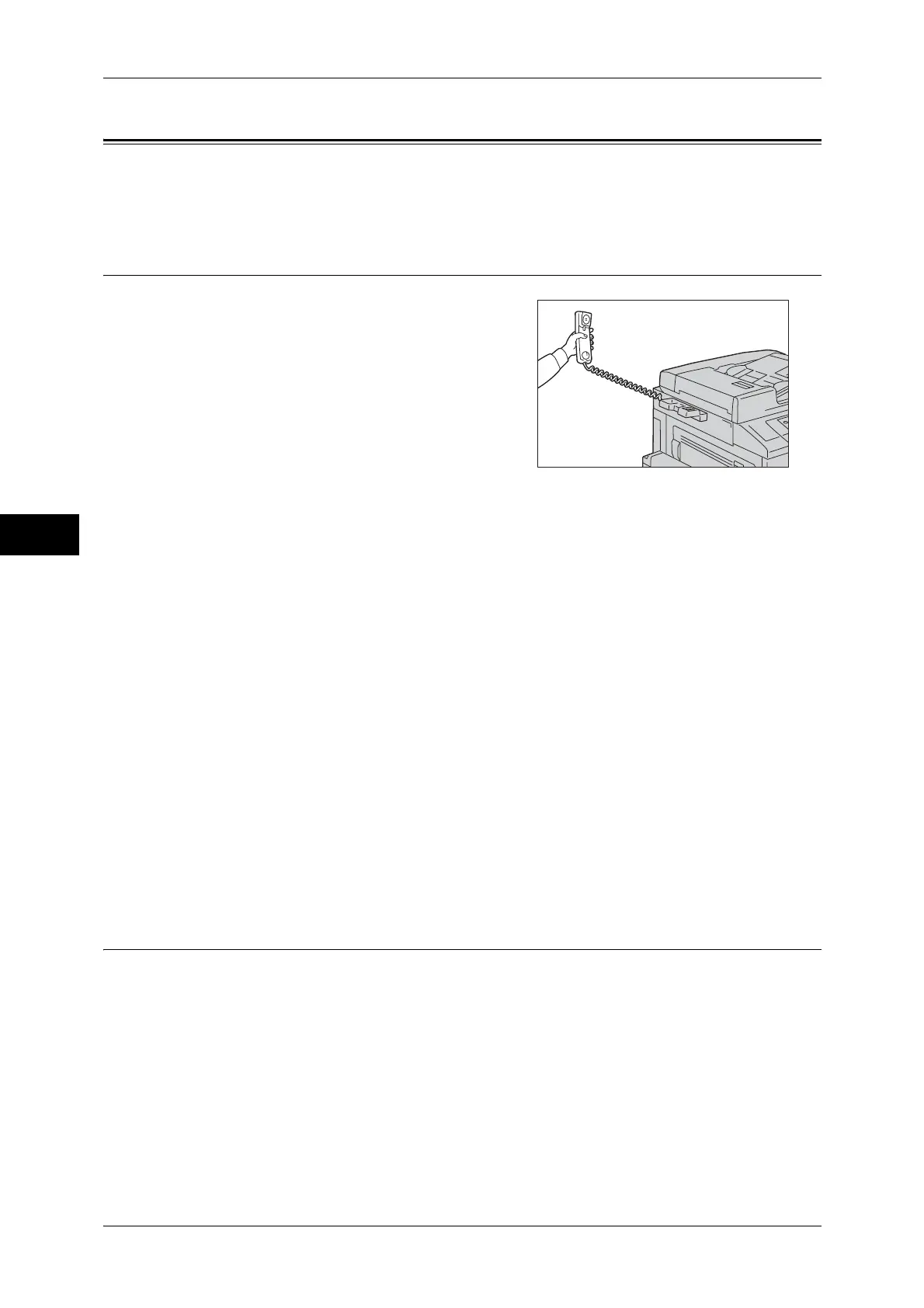
Using the Receiver
1
Pick up the telephone receiver.
2 Select [Manual Receive] from the drop-down
menu.
3 Specify the fax number of the facsimile information service.
z
You can use the numeric keypad, address numbers, or one touch buttons to specify
the call destination, but cannot use the Address Book.
z
You can use the keyboard displayed on the screen to specify the call destination.
Selecting [More Characters] on the screen displays symbols.
Note • When the line type is set to a tone line, [:] (Tone) is not displayed on the screen. If you want
to send tones (or to use the touch-tone services) while using a pulse line, select [:] (Tone).
• Some touch-tone services may not be available even if you set your telephone to send
tones.
4 When the machine connects to the service, you will hear voice prompts. Follow the
voice prompts to enter the required numbers.
5 After entering the numbers, press the <Start> button.
Note • The <Data> indicator lights up on the control panel, and reception begins.
6 Place the receiver back in the cradle.
Important • Make sure to place the receiver back in the cradle properly. Otherwise, the line will remain
"busy".
When Not Using a Receiver
1
Adjust the volume of the line monitor.
We recommend that you set the volume of the line monitor to [Loud] so that you can
hear the voice prompts clearly.
For information on how to change the volume of the line monitor, refer to "5 Tools" > "Common
Service Settings" > "Audio Tones" > "Line Monitor Volume" in the Administrator Guide.



 To Next Page
 Loading...



