87
5
Taking Photographs
Manual Focus
Adjust focus manually.
1
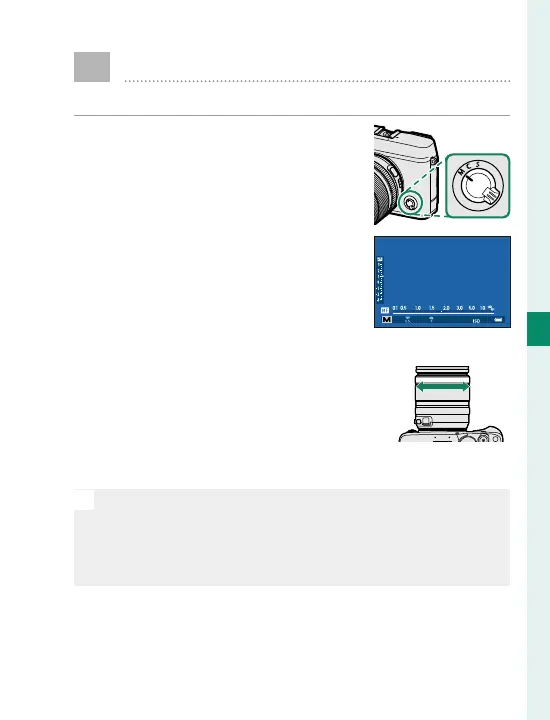
Rotate the focus mode selector
to M.
j will appear in the display.
㹋
2
Focus manually using the lens
focus ring. Rotate the ring left
to reduce the focus distance,
right to increase.
3
Take pictures.
N
Use D BUTTON/DIAL SETTING> FOCUS RING to re-
verse the direction of rotation of the focus ring.
Regardless of the option selected, manual focus will be
used when the lens is in manual focus mode.



 To Next Page