179
Playback and the Playback Menu
7
Viewing Pictures
Playback Zoom
Rotate the rear command dial right to zoom in on the
current picture, left to zoom out. To exit zoom, press
DISP/BACK, MENU/OK, or the center of the rear command
dial.
N
The maximum zoom ratio varies with the option select-
ed for H IMAGE QUALITY SETTING> IMAGE SIZE.
Playback zoom is not available with cropped or resized
copies saved at a size of a.
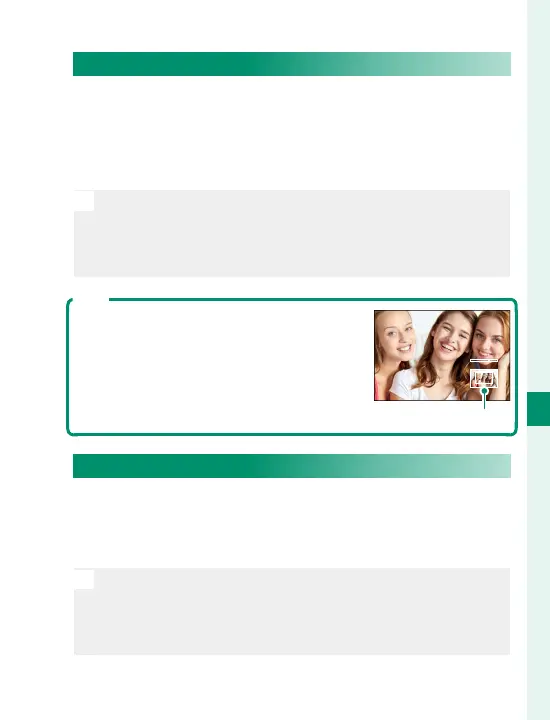
Scroll
When the picture is zoomed in, the fo-
cus stick (focus lever) can be used to
view areas of the image not currently
visible in the display.
Navigation window
Multi-Frame Playback
To change the number of images displayed, rotate
the rear command dial left when a picture is dis-
played full frame.
N
Use the focus stick (focus lever) to highlight images and
press MENU/OK to view the highlighted image full frame.
In the nine- and hundred-frame displays, press the focus
stick up or down to view more pictures.



 To Next Page