210
The Setup Menus
8
D
SOUND SETTING
Make changes to camera sounds.
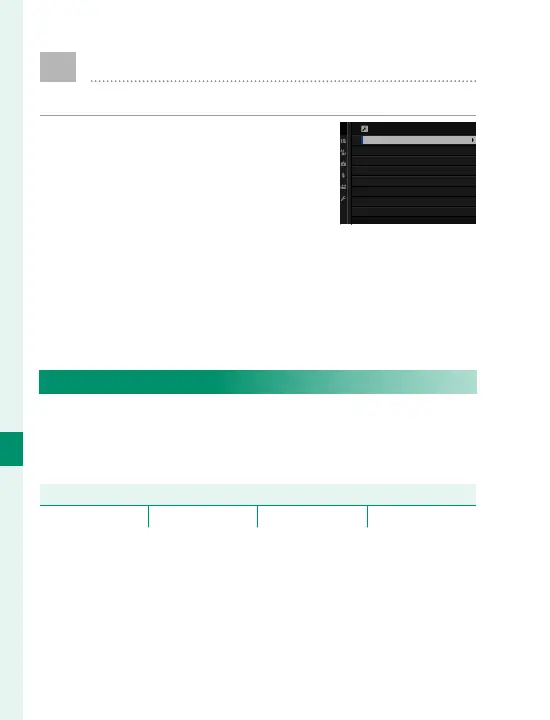
To access sound settings, press
MENU/OK, select the D (SET UP) tab,
and choose SOUND SET-UP.
SOUND SETTING
AF BEEP VOL.
SELF-TIMER BEEP VOL.
OPERATION VOL.
SHUTTER VOLUME
SHUTTER SOUND
PLAYBACK VOLUME
AF BEEP VOL.
Choose the volume of the beep that sounds when
the camera focuses. The beep can be muted by se-
lecting eOFF.
Options
b (high) c (medium) d (low) eOFF (mute)



 To Next Page