51
3
Basic Photography and Playback
a
Viewing Pictures
Pictures can be viewed in the view nder or LCD
monitor.
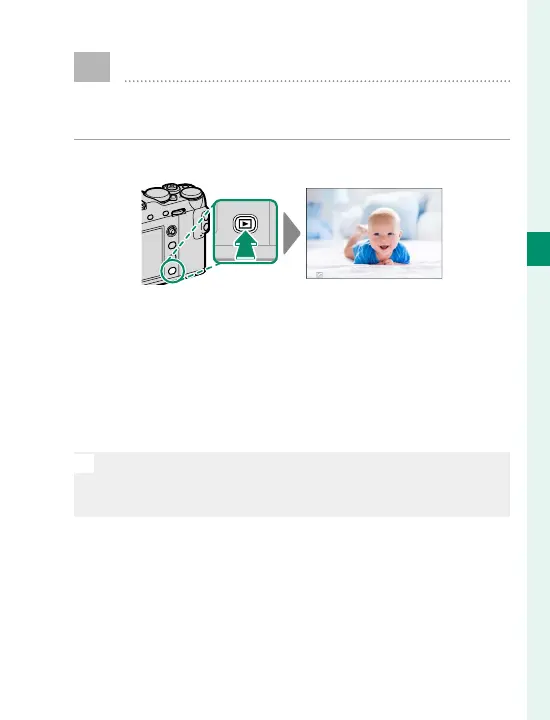
To view pictures full frame, press a.
100-0001
Additional pictures can be viewed by pressing the fo-
cus stick (focus lever) left or right or rotating the front
command dial. Press the focus stick or rotate the dial
right to view pictures in the order recorded, left to
view pictures in reverse order. Keep the focus stick
pressed to scroll rapidly to the desired frame.
N
Pictures taken using other cameras are marked with a
m (“gift image”) icon to warn that they may not display
correctly and that playback zoom may not be available.



 To Next Page