11
1
Before You Begin
Parts of the Camera
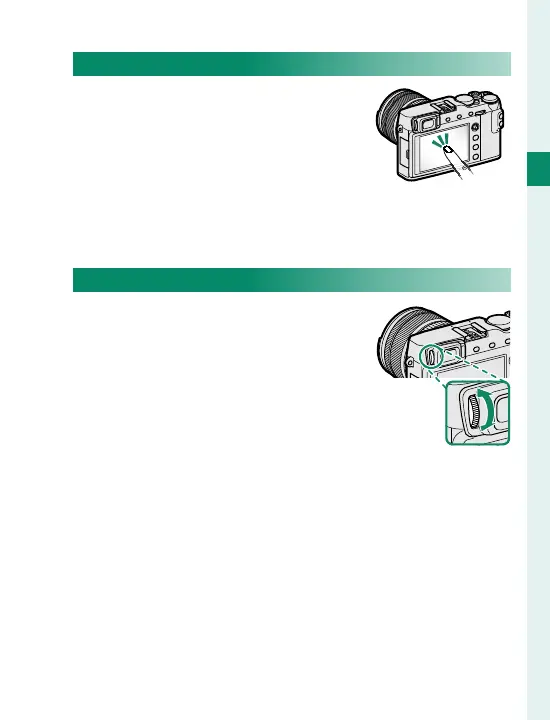
The LCD Monitor
The LCD monitor also functions as
a touch screen that can be used
for:
•
Touch photography (
P
23)
•
Focus area selection (
P
22)
•
Function selection (
P
24)
•
Full-frame playback (
P
25)
Focusing the View nder
The camera is equipped with diop-
ter adjustment in the range −4 to
+2 m
–1
to accommodate individual
di erences in vision. Rotate the di-
opter adjustment control until the
view nder display is in sharp focus.



 To Next Page