292
Connections
11
instax SHARE Printers
Printing Pictures
1
Turn the printer on.
2
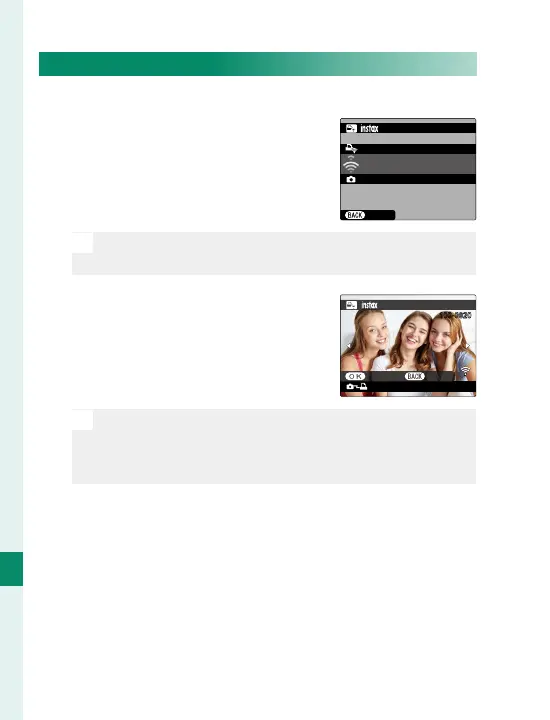
Select C PLAY BACK MENU>
instax PRINTER PRINT. The
camera will connect to the
printer.
FUJIFILM-CAMERA-1234
CANCEL
CONNECTING TO PRINTER
PRINTER PRINT
instax-12345678
N
To print a frame from a burst sequence, display the
frame before selecting instax PRINTER PRINT.
3
Use the focus stick (focus lever)
to display the picture you want
to print, then press MENU/OK.
100-0020
instax-12345678
PRINTER PRINT
TRANSMIT CANCEL
N
Pictures taken with other cameras cannot be printed.
The area printed is smaller than the area visible in
the LCD monitor.
4
The picture will be sent to the printer and print-
ing will start.



 To Next Page