99
5
Taking Photographs
Y
Advanced Filters
Take photos with lter e ects.
1
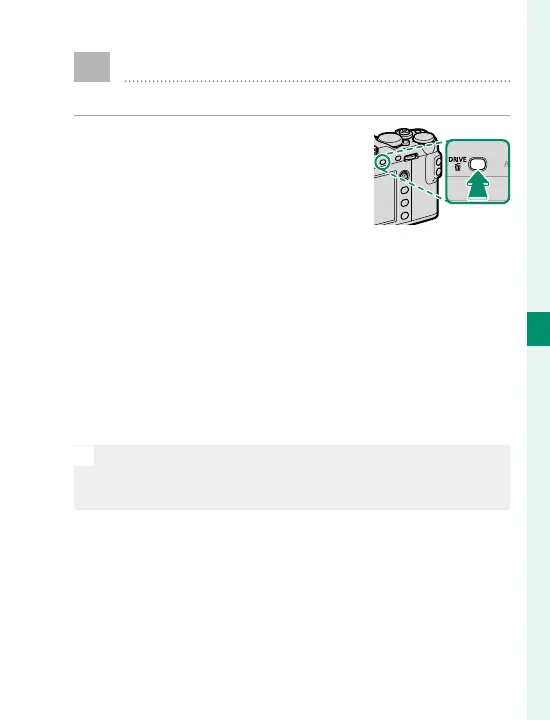
Press the DRIVE button to dis-
play drive mode options.
2
Highlight Y ADVANCED FILTER and press
MENU/OK to display advanced lter options.
3
Highlight an advanced lter and press MENU/OK to
select the highlighted option and exit to shoot-
ing mode.
4
Take photographs.
N
When the auto mode selector lever is rotated to AUTO,
you can rotate the front command dial to choose a lter
in the shooting display.



 To Next Page