288
Connections
11
Connecting the Camera
1
Find a memory card containing pictures you
want to copy to the computer and insert the card
into the camera.
O
Loss of power during transfer could result in loss of
data or damage to the memory card. Insert a fresh or
fully-charged battery before connecting the camera.
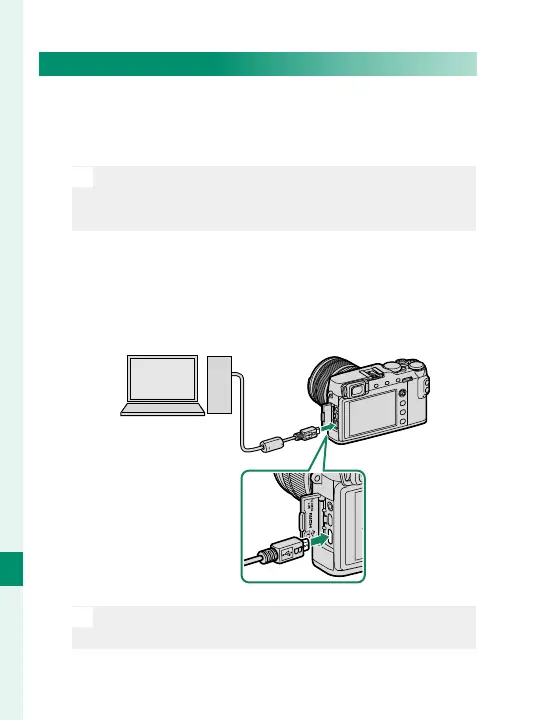
2
Ready a third-party USB 2.0 cable with a Micro
USB (Micro-B) connector. Turn the camera o and
connect the cable, making sure the connectors
are fully inserted.
O
The USB cable must be no more than 1.5m (4.9ft.)
long and be suitable for data transfer.



 To Next Page