7
1
Before You Begin
Parts of the Camera
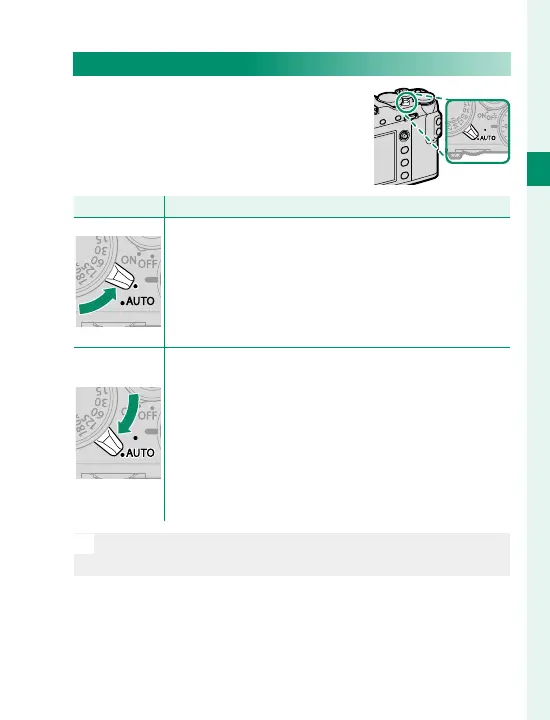
The Auto Mode Selector Lever
Switch between auto and manual
modes.
Position
Mode
Select from P (program AE), S (shutter-priority AE),
A (aperture-priority AE), and M (manual) modes
(
P
62, 64, 69, 72). Adjust shutter speed
and aperture using program shift (mode P) or set
shutter speed and/or aperture manually (modes S,
A, and M).
Auto mode. The camera adjusts settings automat-
ically according to the option selected by rotating
the front command dial. Choose from modes suit-
ed to specifi c subject types (
P
74), or select
S ADVANCED SR AUTO to let the camera auto-
matically match the mode to the subject (
P
76).
Scene selection is not available in Adv. or Y drive
modes.
N
Restrictions may apply to camera settings depending on
the mode and shooting conditions.



 To Next Page