64
5
Taking Photographs
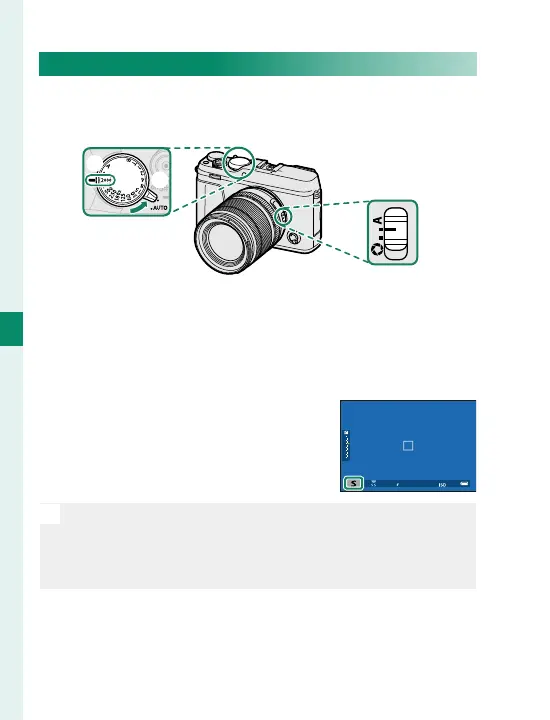
Mode S: Shutter-Priority AE
Choose a shutter speed and let the camera adjust ap-
erture for optimal exposure.
B
A
C
Adjust settings as follows:
A
Auto mode selector lever:
z
B
Shutter speed: Choose a shutter speed
C
Aperture: A (auto)
Con rm that S appears in the dis-
play.
O
If the correct exposure cannot be achieved at the select-
ed shutter speed, aperture will be displayed in red. If the
subject is outside the metering range of the camera, the
aperture display will show “– – –”.



 To Next Page