63
5
Taking Photographs
Choosing a Shooting Mode
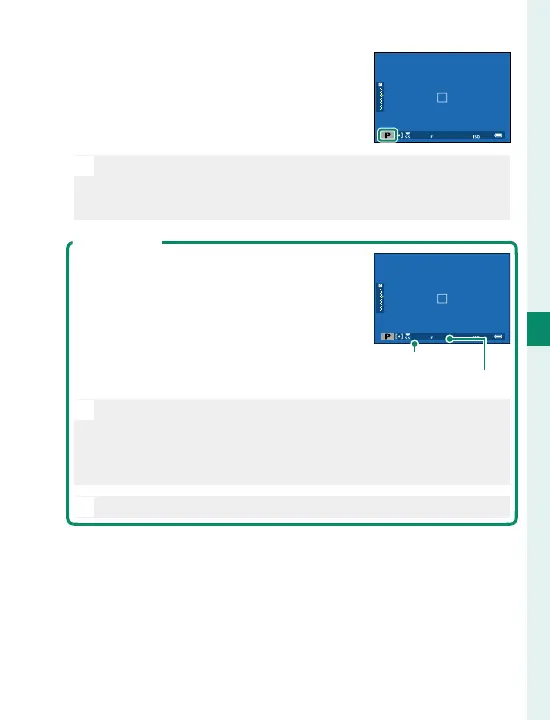
Con rm that P appears in the dis-
play.
O
If the subject is outside the metering range of the cam-
era, the shutter speed and aperture displays will show
“– – –”.
Program Shift
If desired, you can rotate the rear com-
mand dial to select other combinations
of shutter speed and aperture without
altering exposure (program shift).
Shutter speed
Aperture
O
Program shift is not available during movie recording
or if the ash supports TTL auto or an auto option is se-
lected for H IMAGE QUALITY SETTING> DYNAMIC
RANGE.
N
To cancel program shift, turn the camera o .



 To Next Page