146
6
The Shooting Menus
TOUCH SCREEN MODE
Choose the shooting operations performed using
touch controls.
Still Photography
Mode
Description
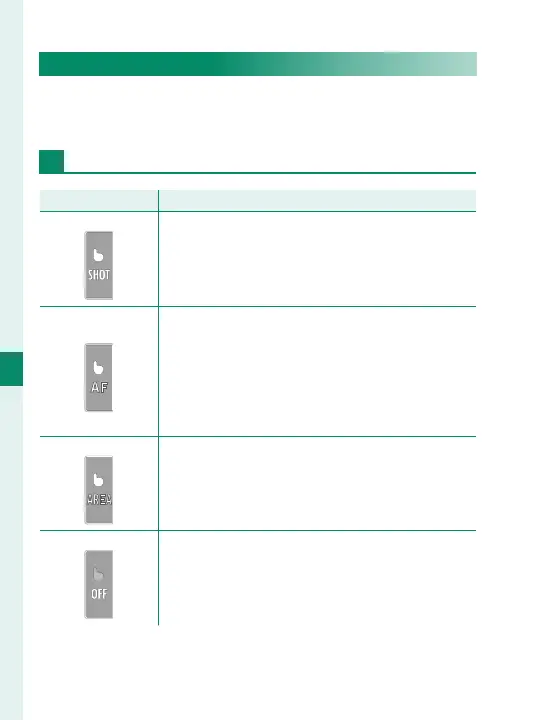
TOUCH SHOOTING
Tap your subject in the display to focus and re-
lease the shutter. In burst mode, pictures will be
taken while you keep your fi nger on the display.
AF
Tap to select a focus point. In focus mode S (AF-S),
focus will lock, while in focus mode C (AF-C), the
camera will continually adjust focus in response
to changes in the distance to the subject. Focus
lock and continuous focus can be ended by tap-
ping the AFOFF icon.
AREA
Tap to select a point for focus or zoom. The focus
frame will move to the selected point.
OFF
Touch controls off . The display does not respond
when tapped.



 To Next Page