91
5
Taking Photographs
d
Exposure Compensation
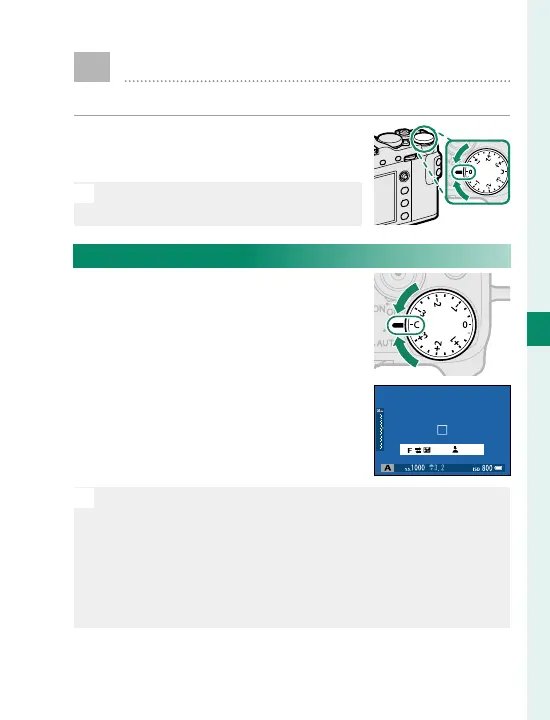
Adjust exposure.
Rotate the exposure compensa-
tion dial.
O
The amount of compensation avail-
able varies with the shooting mode.
C (Custom)
When the exposure compensation
dial is rotated to C, exposure com-
pensation can be adjusted by ro-
tating the front command dial.
set
N
The front command dial can be used to set exposure
compensation to values between −5 and +5EV.
The front command dial can be used to set aperture, ex-
posure compensation, or (when ON is selected for ISO
COMMAND DIAL SETTING) sensitivity. Press the dial to
toggle between the di erent settings.



 To Next Page