30
2
First Steps
Attaching a Lens
The camera can be used with lenses for the
FUJIFILM X-mount.
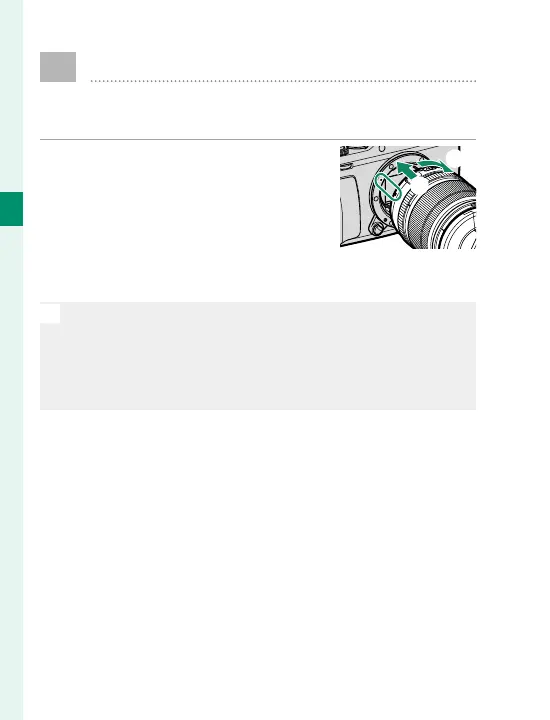
Remove the body cap from the
camera and the rear cap from the
lens. Place the lens on mount,
keeping the marks on the lens and
camera aligned (
A
), and then ro-
tate the lens until it clicks into place (
B
).
O
When attaching lenses, ensure that dust or other foreign
matter does not enter the camera and be careful not to
touch the camera’s internal parts. Do not press the lens
release button while attaching the lens and be sure the
latch has securely clicked into place.
A
B



 To Next Page