44
2
First Steps
Basic Setup
When you turn the camera on for the rst time,
you can choose a language and set the camera
clock. At default settings, you can also pair the
camera with a smartphone or tablet so that you
can later synchronize the clocks or download
pictures. Follow the steps below when turning
the camera on for the rst time.
N
If you intend to pair the camera with a smartphone
or tablet, install and launch the latest version of the
FUJIFILM Camera Remote App on the smart device be-
fore proceeding. For more information, visit:
http://app.fujifilm-dsc.com/en/camera_remote/
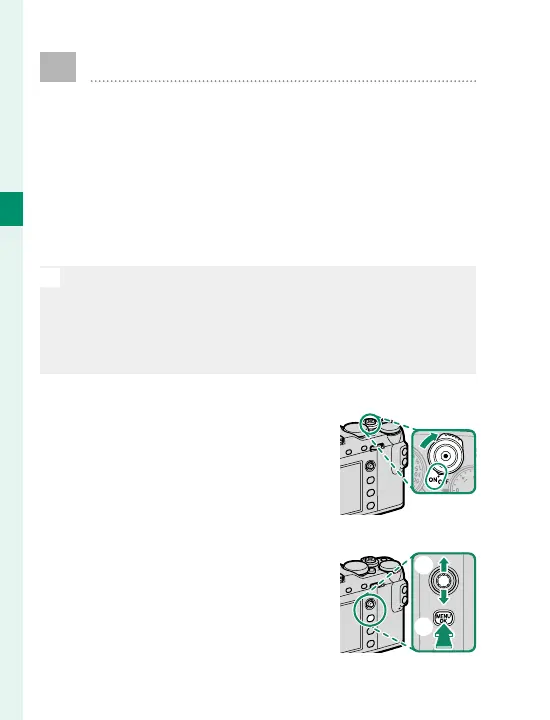
1
Turn the camera on.
A language-selection dialog
will be displayed.
2
Choose a language.
Highlight a language using the
focus stick (focus lever,
A
) and
press MENU/OK (
B
).
B
A



 To Next Page