54
4
Movie Recording and Playback
F
Recording Movies
This section describes how to lm movies in
auto mode.
1
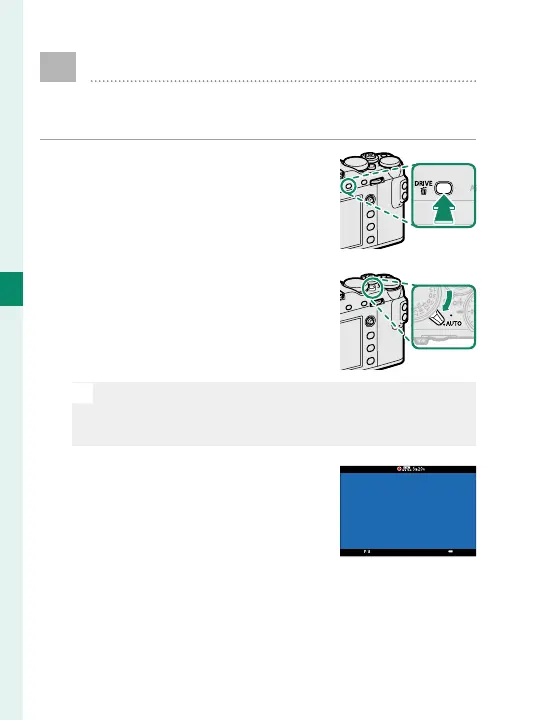
Press the DRIVE button and se-
lect F (MOVIE) from the list of
drive mode options.
2
Rotate the auto mode selector
lever to AUTO to shoot movies
in S ADVANCED SR AUTO
mode.
N
Rotate the lever to z to shoot movies in mode P.
Movies shot with U selected for MOVIE MODE
will also be recorded in mode P.
3
Press the shutter button to
start recording. A recording in-
dicator (V) blinks and the time
remaining is displayed while
recording is in progress.



 To Next Page