149
6
The Shooting Menus
A
SHOOTING SETTING
Adjust shooting options.
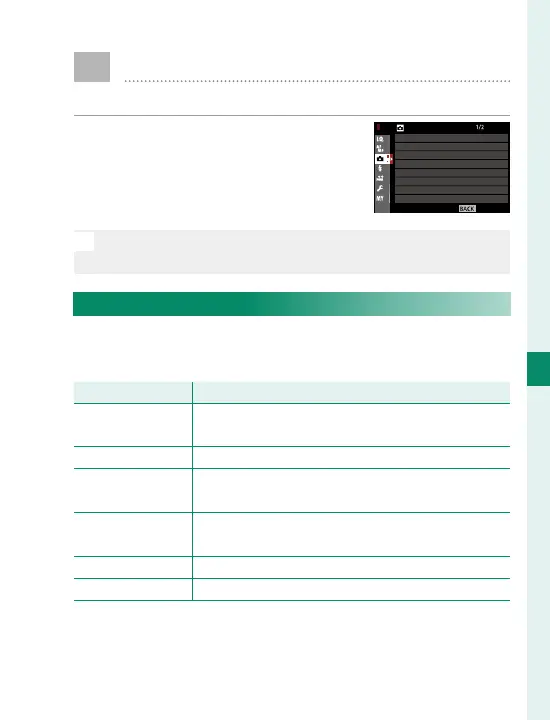
To display shooting options, press
MENU/OK in the shooting display and
select the
A
(SHOOTING SETTING)
tab.
N
The options available vary with the shooting mode se-
lected.
SCENE POSITION
Choose the shooting mode used when the auto
mode selector lever is in the AUTO position.
Mode
Description
S
ADVANCED
SR AUTO
The camera automatically optimizes settings to
suit the scene.
h
PORTRAIT Choose for portraits.
Z
PORTRAIT
ENHANCER
Processes portraits to give the subject a smooth,
natural-looking complexion.
M
LANDSCAPE Choose for daylight shots of buildings and land-
scapes.
N
SPORT Choose when photographing moving subjects.
O
NIGHT Choose for poorly lit twilight or night scenes.
EXIT
SHOOTING SETTING
SCENE POSITION
SELF-TIMER
INTERVAL TIMER SHOOTING
PHOTOMETRY
SHUTTER TYPE
AE BKT SETTING
FILM SIMULATION BKT
IS MODE



 To Next Page