72
5
Taking Photographs
Mode M: Manual Exposure
Alter exposure from that selected by the camera.
B
A
C
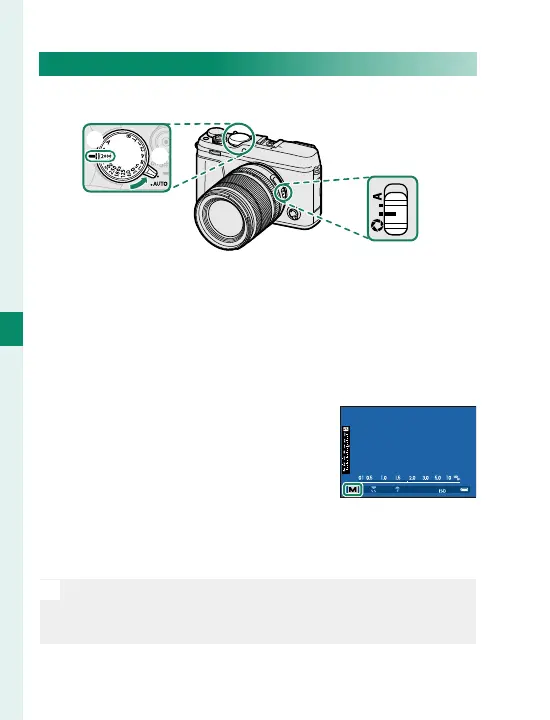
Adjust settings as follows:
A
Auto mode selector lever:
z
B
Shutter speed:
Choose a shutter speed
C
Aperture: Select
Z
and rotate the lens aperture
ring to adjust aperture
Con rm that M appears in the
display. The amount the picture
would be under- or over-exposed
at current settings is shown by the
exposure indicator; adjust shut-
ter speed and aperture until the desired exposure is
reached.
N
At settings other than 180X, shutter speed can also be
adjusted in increments of ⁄EV by rotating the rear com-
mand dial.
㹋



 To Next Page