90
5
Taking Photographs
Manual Focus
MF Assist
The G AF/MF SETTING> MF ASSIST option can be
used to check focus when pictures are framed in the
LCD monitor or electronic view nder in manual focus
mode.
N
The MF ASSIST menu can be displayed by pressing and
holding the center of the rear command dial.
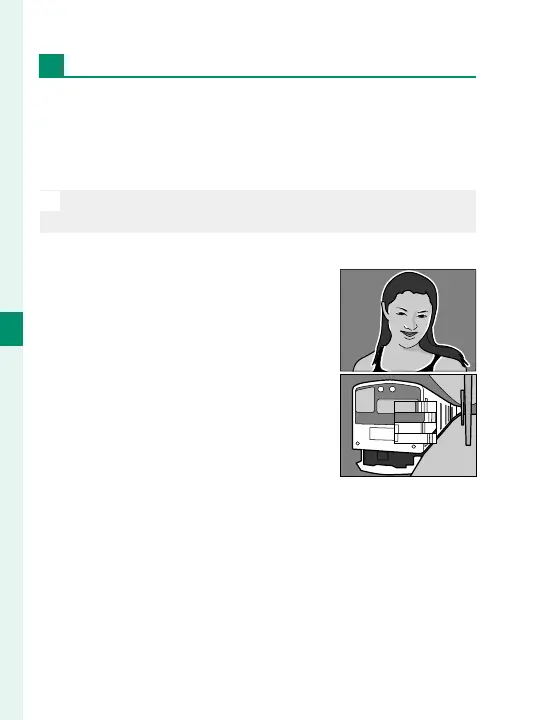
The following options are available:
•
FOCUS PEAK HIGHLIGHT: Highlights
high-contrast outlines. Rotate
the focus ring until the subject is
highlighted.
•
DIGITAL SPLIT IMAGE: Displays a split
image in the center of the frame.
Frame the subject in the split-im-
age area and rotate the focus ring
until the four parts of the split im-
age are correctly aligned.



 To Next Page