124
6
The Shooting Menus
Custom White Balance
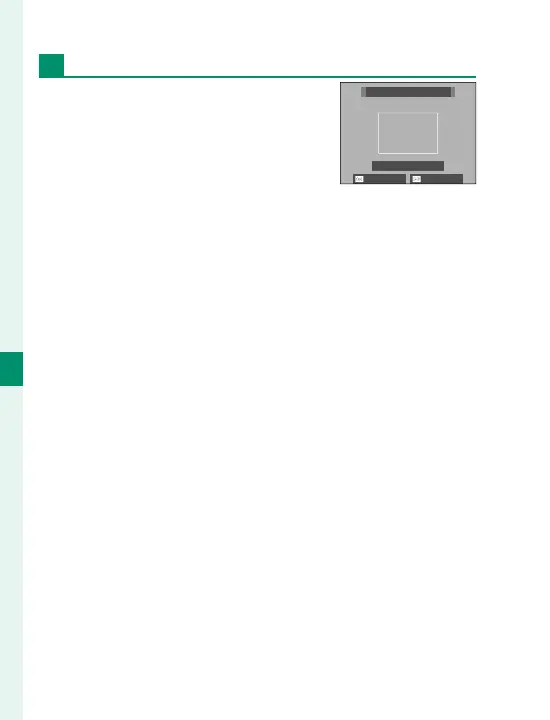
Choose k, l, or m to adjust
white balance for unusual lighting
conditions. White balance mea-
surement options will be displayed;
frame a white object so that it lls
the display and press the shutter button all the way
down to measure white balance (to select the most re-
cent custom value and exit without measuring white
balance, press DISP/BACK, or press MENU/OK to select the
most recent value and display the ne-tuning dialog).
•
If “COMPLETED!” is displayed, press MENU/OK to set white
balance to the measured value.
•
If “UNDER” is displayed, raise exposure compensation
and try again.
•
If “OVER” is displayed, lower exposure compensation
and try again.
NOT CHANGE SHIFT
CUSTOM 1
SHUTTER : NEW WB


 To Next Page