181
Playback and the Playback Menu
7
The Playback Menu
2
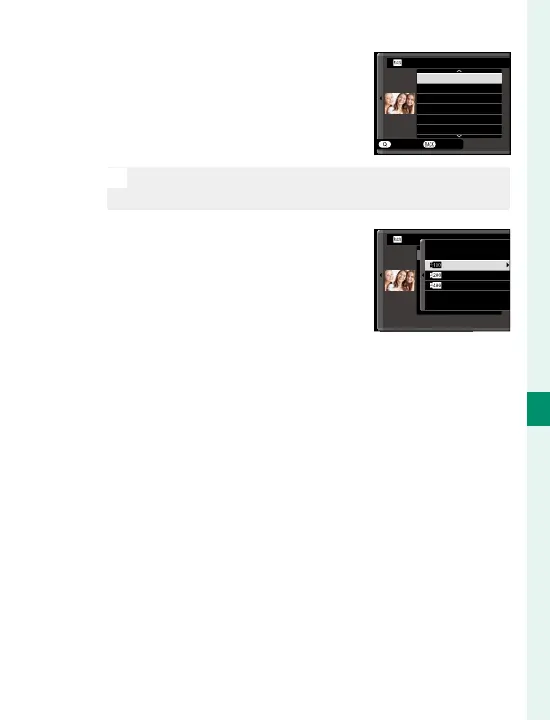
In the playback menu, high-
light RAW CONVERSION and
press MENU/OK to display set-
tings.
CREATE
REFLECT SHOOTING COND.
PUSH/PULL PROCESSING
DYNAMIC RANGE
FILM SIMULATION
GRAIN EFFECT
WHITE BALANCE
RAW CONVERSION
CANCEL
N
These options can also be displayed by pressing the
Q button during playback.
3
Highlight a setting and press
the focus stick (focus lever)
right to display options. Press
the focus stick up or down to
highlight the desired option
and press MENU/OK to select and return to the set-
tings list. Repeat this step to adjust additional
settings.
4
Press the Q button to preview the JPEG copy and
press MENU/OK to save.
撮影時条件を反映
増感/減感
ダイナミックレンジ
フィルムシミュレーション
ホワイトバランス
WB
シフト
RAW CONVERSION
200
%
400
%
100
%



 To Next Page