262
Peripherals and Optional Accessories
10
3
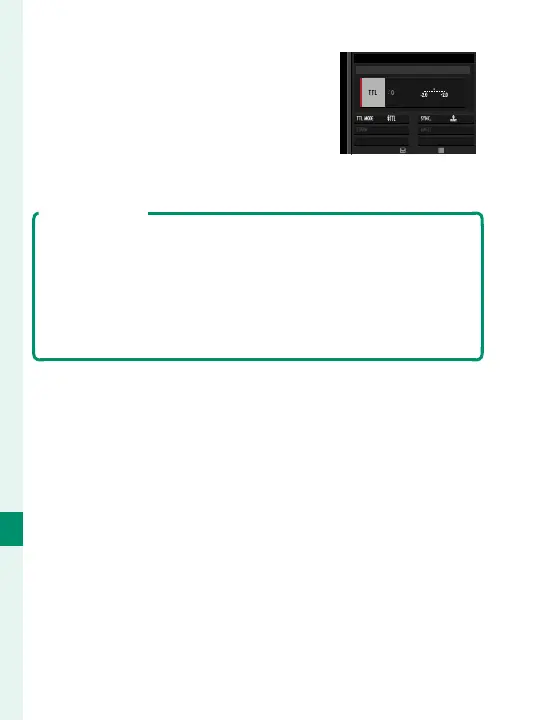
Highlight items using the focus
stick (focus lever) and rotate the
rear command dial to change
the highlighted setting.
ADJUST
END
ODE
SUPPLIED FLASH
4
Press DISP/BACK to put the changes into e ect.
Red-Eye Removal
Red-eye removal is available when an option other than OFF
is selected for F FLASH SETTING> RED EYE REMOVAL
and a “FACE ON” option is selected for G AF/MF SETTING>
FACE/EYE DETECTION SETTING. Red-eye removal minimiz-
es “red-eye” caused when light from the ash is re ected from
the subject’s retinas.



 To Next Page