9
1
Before You Begin
Parts of the Camera
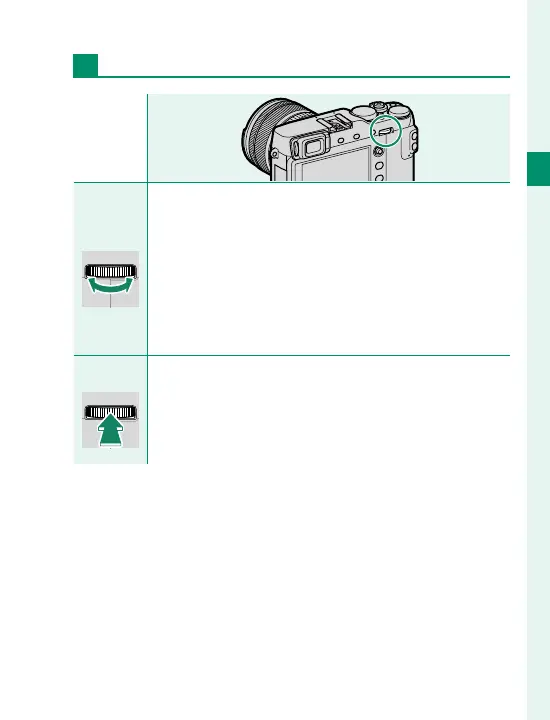
Rear Command Dial
Rotate
•
Highlight menu items.
•
Choose the desired combination of shutter speed
and aperture (program shift).
•
Choose a shutter speed.
•
Adjust settings in the quick menu.
•
Choose the size of the focus frame.
•
Zoom in or out during focus zoom or in full frame or
multi-frame playback.
Press
•
Perform the function assigned to the DIAL function
button.
•
Press and hold to choose the manual focus mode fo-
cus display.
•
Zoom in on the active focus point during playback.



 To Next Page